11
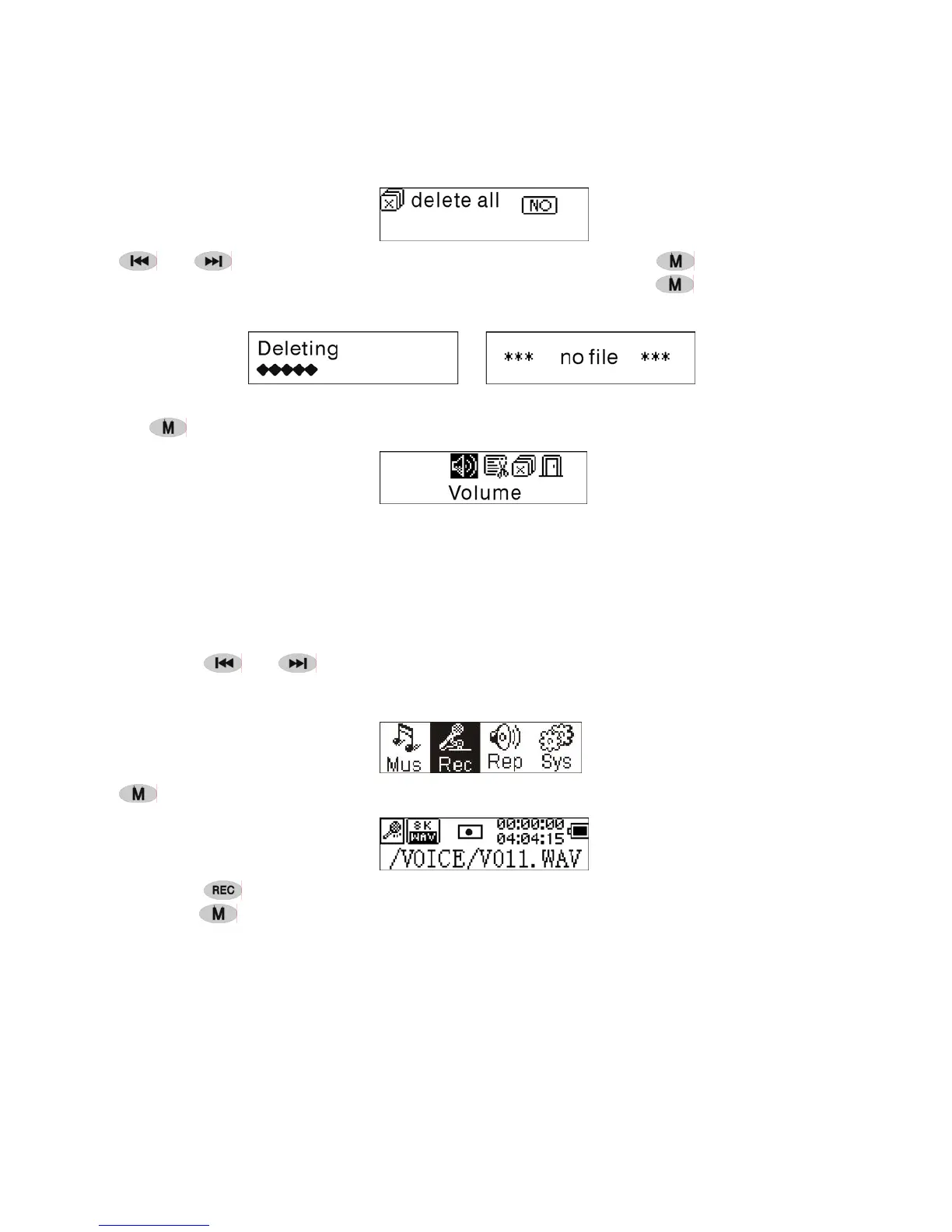
Press or to select 'YES' or 'NO'. Choosing 'YES', press to start
deleting all files and then return to the Play mode. (Press and hold
to return to the
Main Menu.)
6. Control Menu at stop mode
Press
to enter the control menu at stop mode.
Not all control menu option will be available.To see all control menu option see
chapter 4.
● Record
1. Start recording
There are two ways to start recording.
A. Press
or key to select 'Record' in the Main Menu . As the picture under:
Press to start recording. As the picture under:
B. Press (A-B) to start recording directly from stop mode.
Press
to stop recording.
2. Record file types
There are two types of recording Optimized and Longest. Optimized is for general use
but has a larger file size, Longest is suitable for voice recording only.


 To Next Page