17
Disconnecting from the PC
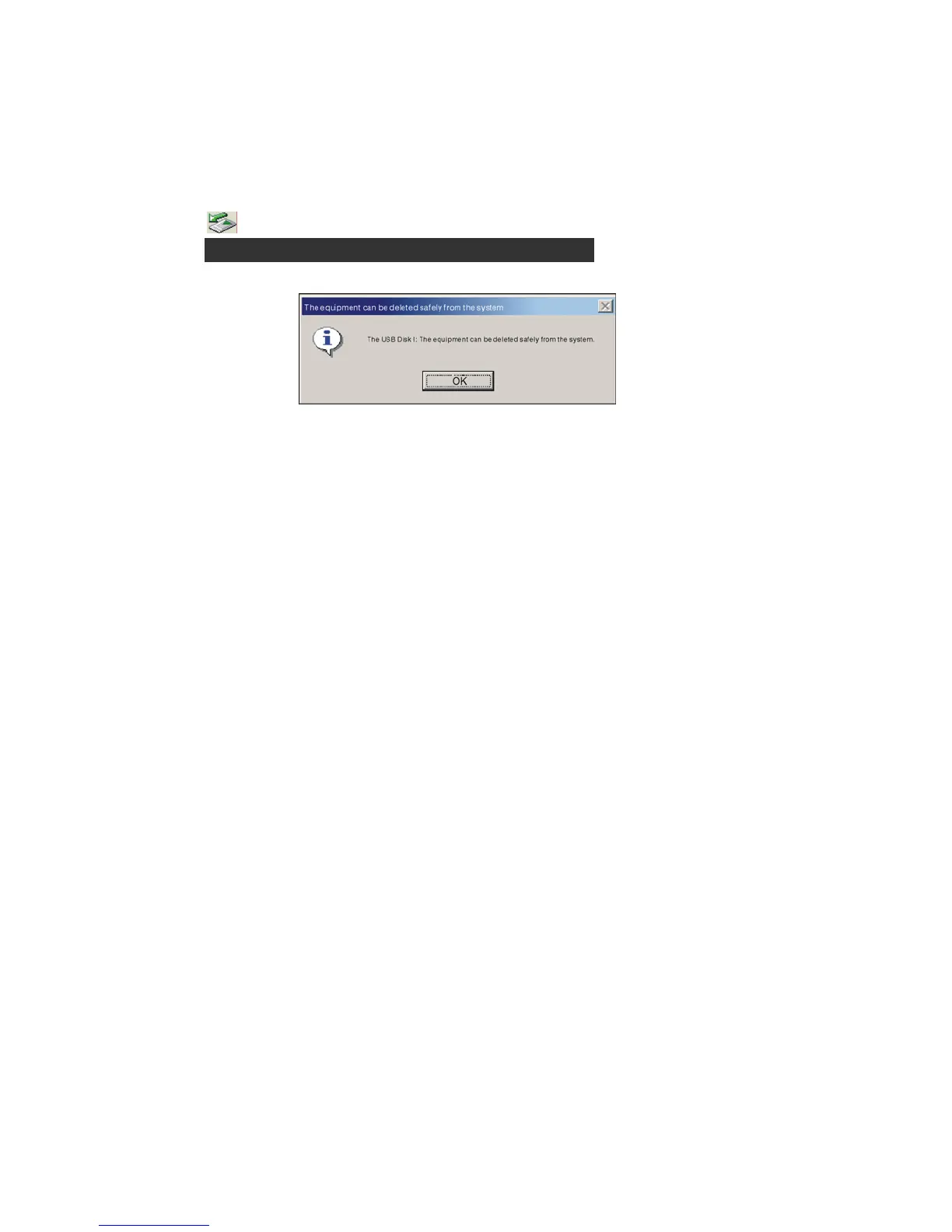
1. Click the
icon the PC tray.
2. Click the pop-up message.
3. Click the " OK" button and physically disconnect the USB cable.
Note:
1. If the tray icon is hidden. Click the " Display hidden icon " to the left of the system tray
to view it.
2. When using some application programs such as Windows Explorer or Windows
Media Player, safe removal may not be available. Please close the applications
before doing safe removal.
stop USB Mass storage Device-Drive(E:)


 To Next Page