8
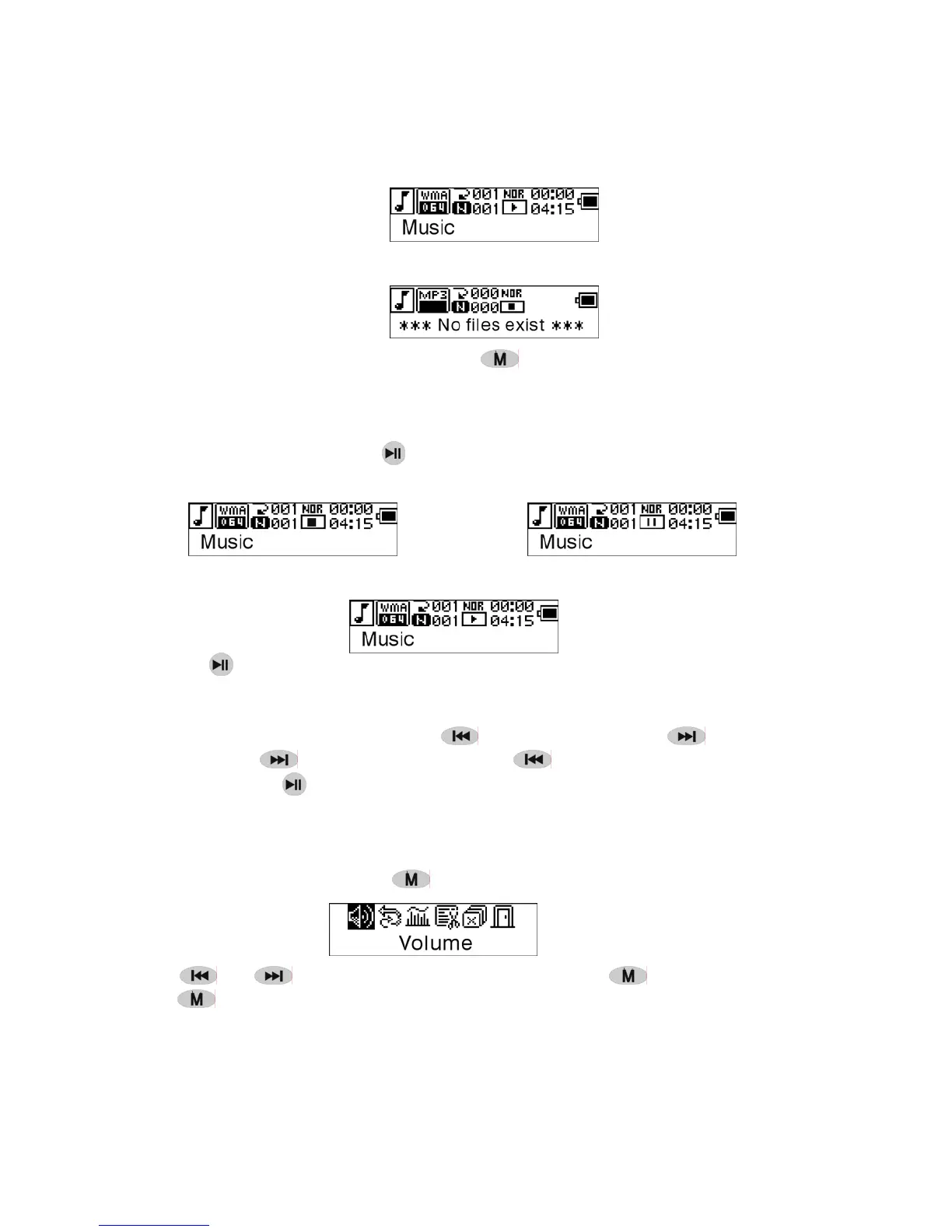
No music file exists, the display shows as
To return to menu mode press and hold .
Notice:After power on action,the music mode is the default mode.
3. Modes switch
While stop or pause , press
to play.
Stop mode Pause mode
Playing mode
Press
to pause while playing
4. Tracks select:
While stop, pause or playing, press
for last track, press for next track;
press and hold
for FF, press and hold for REW.
While stop, press
to play the selected track.
While pause , the selected track is played automatically .
5. Control Menu in playback or in pause mode
While playing or pause, press
to enter the Control Menu, as:
Press or to select the sub-menu and press to enter. Choose 'exit',
press
to exit the Control Menu and return to play mode.


 To Next Page