6
3. Rename the lyric file. For example, happymusic.lrc. It is to make sure the lyric
filename is same as the corrosponding music filename.
4. Copy the lyric file & music file to the MP3 player.
5. Disconnect the MP3 player.
6. Use Skip buttons to select the music file, for example, adc.mp3. Press play button to play.
7. The LRC icon would appears, and the lyric would display Synchronously on OLED
while the music is being playback.
Note: The MP3 player supports LRC format only.
Note: If the lyric does not synchronize with the music, please download one better lyric
file from internet and try again.
Note: Make sure the MP3 music and LRC file is located in same directory and the
filename is same. If not, the MP3 player can not recognize the lyric file.
Power Display
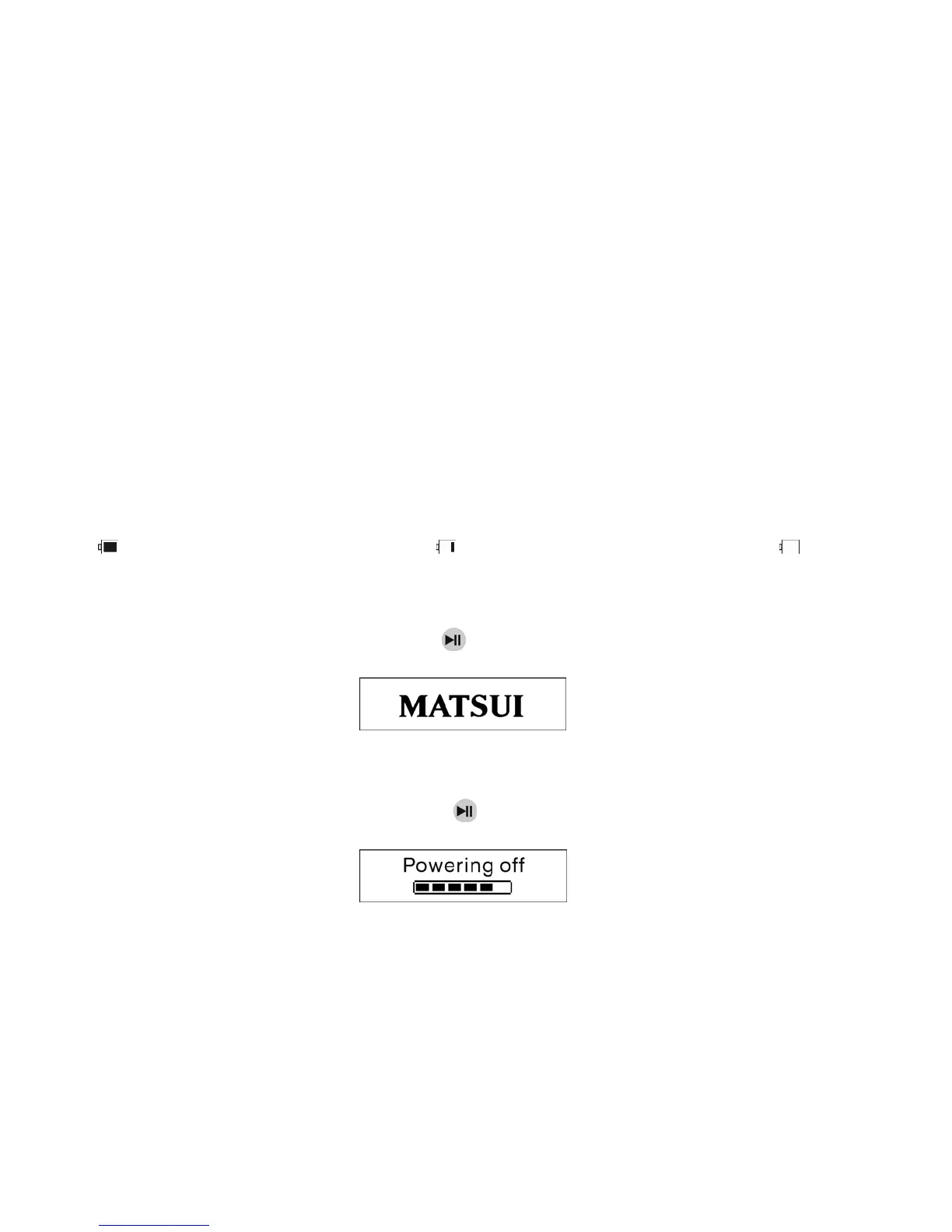
Indicates the power is full at 1.5v; indicates the power is decreasing;
indicates you need replace the battery immediately.
● Power on/Power off
Power on: Turn power on by pressing
. A welcome picture is displayed on LCD, as:
Notice: Music mode is the default mode after power on action.
Power off: To power off press and hold
. A strip is displayed on LCD, as:
Release the key when the strip is full.
Notice: Power off action is invalid while recording.


 To Next Page