7
● Main Menu
To enter the main menu press and hold
or press briefly while recording.
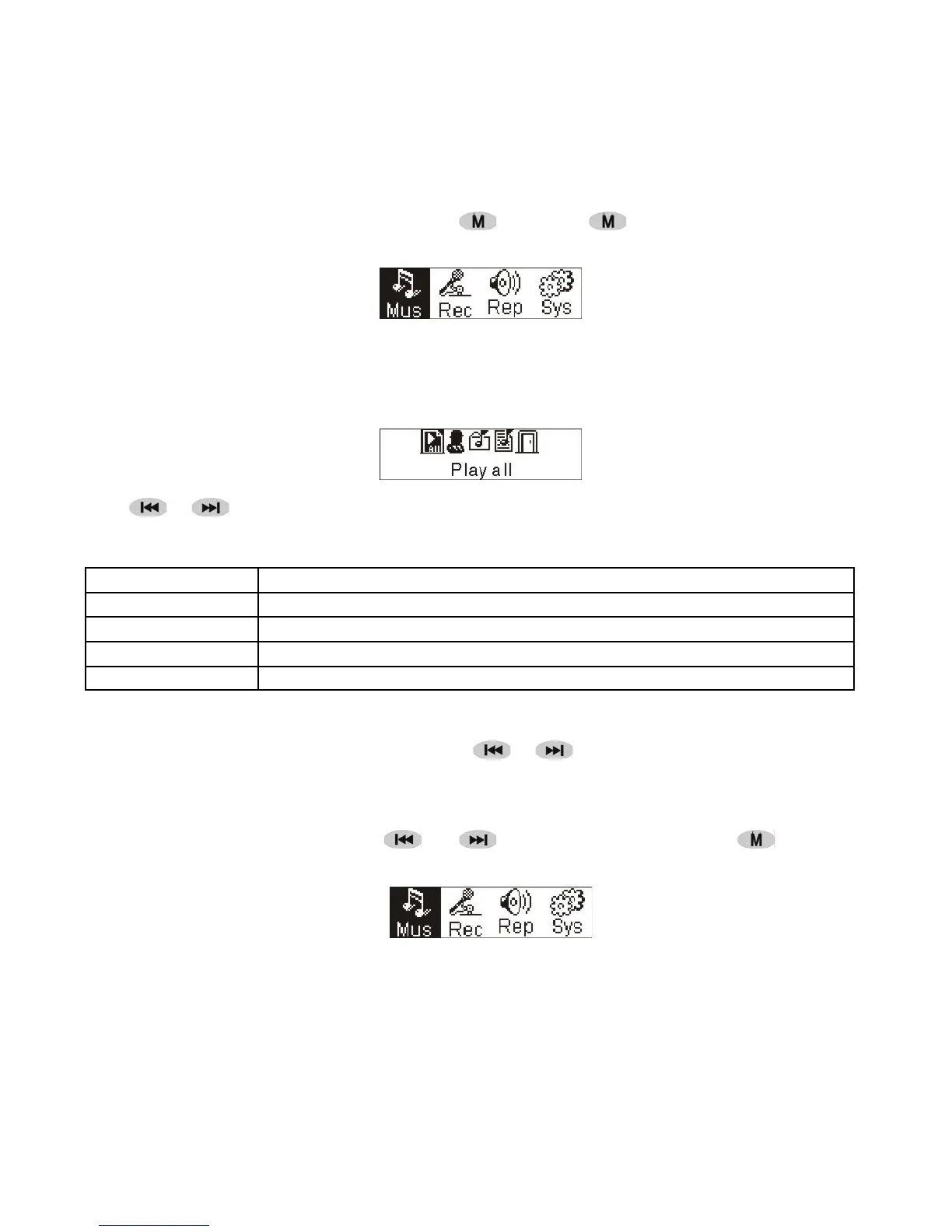
Music Recording Play System
● Music
1. Play list
Choose “Music” in the menu to enter the folder.
Play list information, As the picture under.
Press / to select 4 mode: Play all,Artist, Album, Songs,.
Four mode:
Play all
Play all songs starting from “Artist” type, then”Album”, then”Songs”
Artist
Songs in the selected artist list
Album
Songs in the selected album list
Songs
Songs in the selected ID3 list
Exit Exit play list menu
2. Enter
To select 'Music' by pressing
or at main menu then press .
Music Recording Play System
The music file exists, the display shows as:
The submenu “play all” under “Artist””Album””Songs” mode :
Enter “Artist””Album””Songs” mode and press / to select one ,and then press “menu ”to
enter “play all” , the unit will play all songs which sorted out according to filter orders of each mode.


 To Next Page