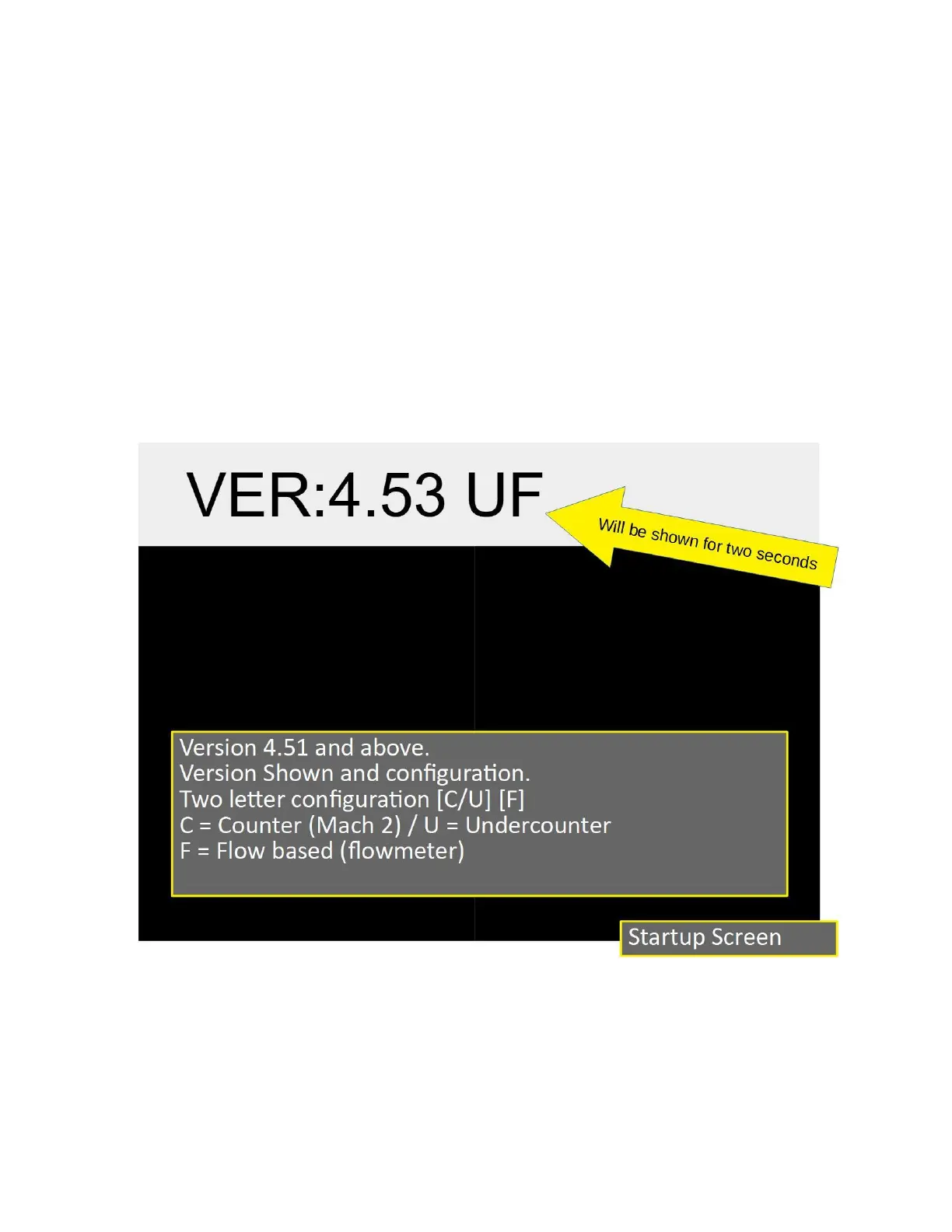
Startup
On power up the UI will display the version number and configuration in the upper data
window. The data will be shown for two seconds. Please note this information for reference
later on. The numbers are the firmware version number. The two letters are the configuration.
There are two configuration options: [C/U] and [F].
[C] is for MACH 2 above counter units, [U] is Undercounter units.
[F] is for flow meter equipped units.
This manual is for [C/U] [F] configuration
2023 Mavam User Manual V4.53 UC/F Page 12 of 28


 To Next Page