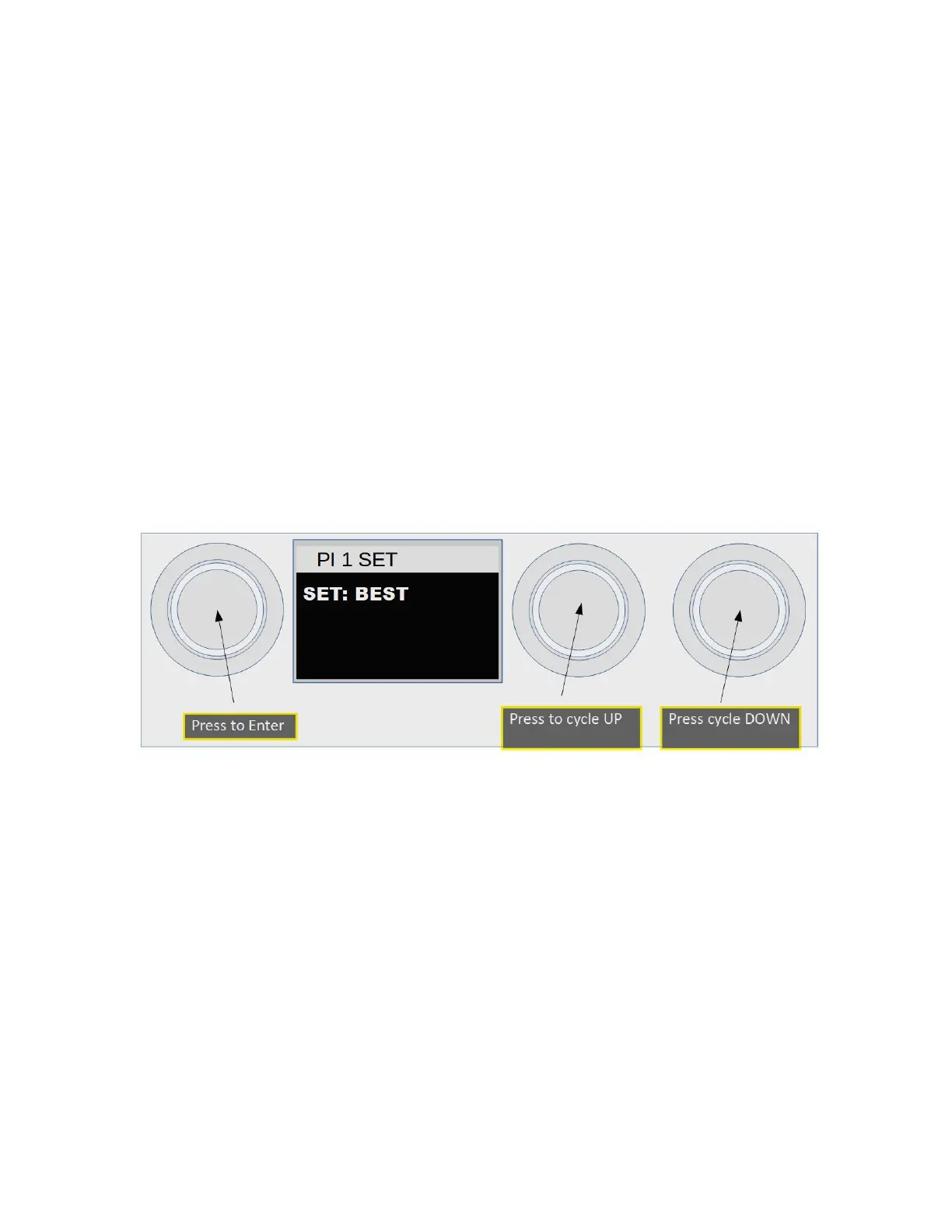
Menu Items 5,6,7,8
The next four menu items set the Pre-Infusion mode and Brew volume. Automatic 1 is set first
then Automatic 2.
Menu Item 5, Setting Automatic 1 Pre-Infusion Time:
This is the first of four Automatic menu settings. There are three options for Pre-Infusion
● Off Turns off Pre-Infusion. Cycle will go directly to BREW.
● BEST Uses the BEST routine for Pre-Infusion “What is new in this version” for a full
explanation of the BEST routine.
● TIME Runs Pre-Infusion for the programmed time (in seconds). Time can be from 1
second to 360 seconds. Time is incremented/decremented by five over a setting of 30.
Decreasing TIME past 1 will select BEST, down one more will select OFF.
Once set to the desired mode pressing Enter will save the setting and move to Item 6.
2023 Mavam User Manual V4.53 UC/F Page 25 of 28


 To Next Page