Display Modes
There are many different phases of displays, Brew Display, Menu Display, Post, Idle, and
Idle Screensaver. Idle is displayed after a Brew cycle, Menu exit, and finishing Auto Clean.
Screensaver is displayed after sixty seconds of Idle screen.
Brew Display
Information on the screen is dependent on what phase of operation is active and mode of
operation. (X) refers to illustration on the next page. The different phases are:
Idle: Group not in use, Steam and / or Water may be in use. (1), (2), (3)
Pre-Infusion: Pre-Infusion phase of the brew cycle in use. (4)
Brew: Brew phase of brew cycle in use (5)
Post Brew: Pre-Infusion and Brew phase finished. (6)
Menu: Changing group options. See “Using the Menu Functions”
Modes of operation are Manual, and Automatic.
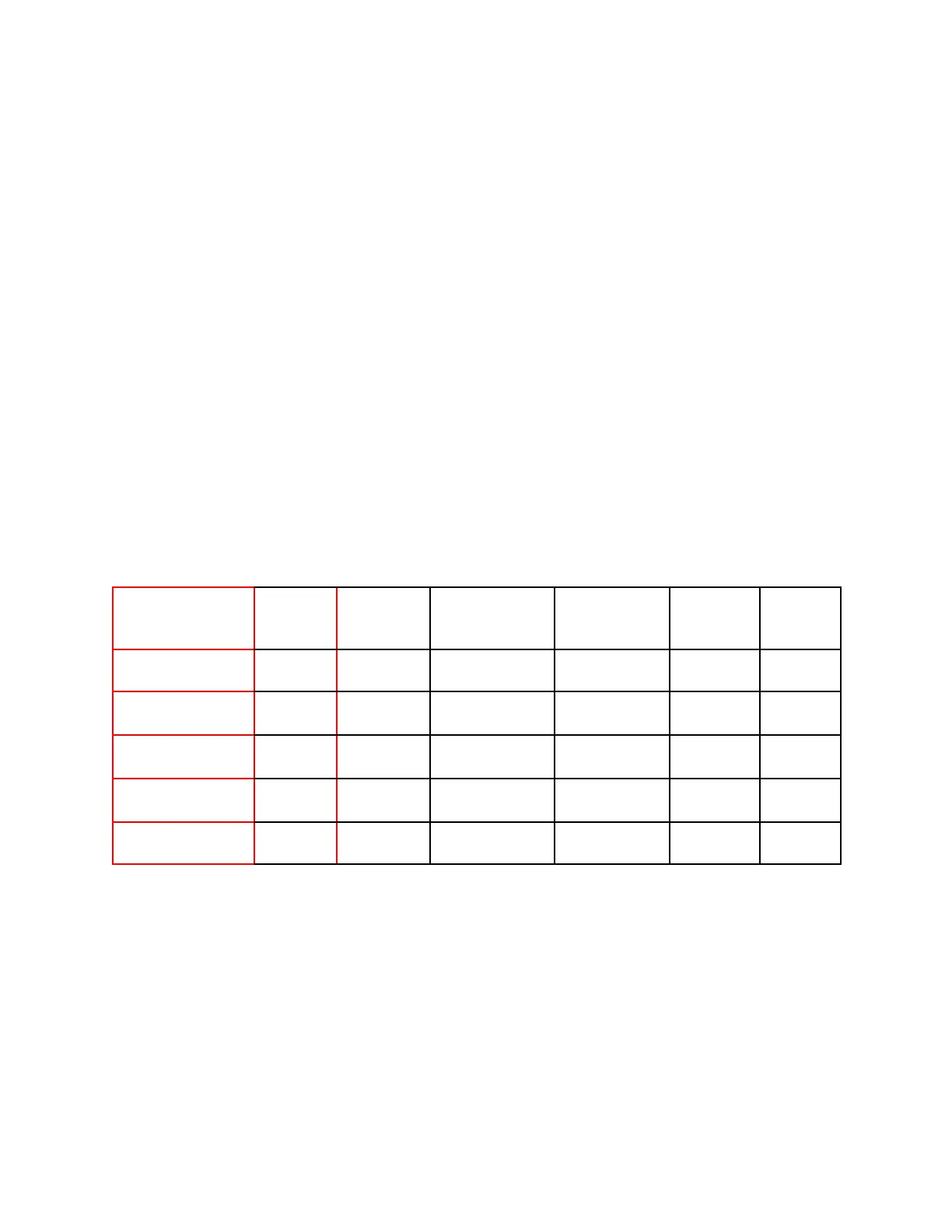
Data Table
Table of data shown in different phases and modes.
M = Shown in Manual Mode, A = Shown in Automatic Mode, X = Not Displayed, S = Special use
2023 Mavam User Manual V4.53 UC/F Page 17 of 28


 To Next Page