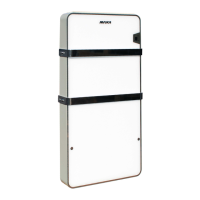
CD 30 ÷ 520
57
2. Pattern& buttons description
Pattern description
1——Running state (display on all pages).
If there are more than one unit working, these will display in cycle:
ˈ ˈ ˗
No display, when unit is off.
2——Communication state (display on all pages)
While communicating normally with main unit, these will display in cycle: (blank),
,
.
No display, when communication with main unit fails.
3——Computer network controlling state (display on all pages).
Under the control of network, display
;
No display without the controlling of network.
4——Locking state (display on all pages)
If wire controller or the buttons are locked, display
.
No display when it is unlocked.
Buttons description
1——Query .
Press Query button when the unit is off or locked, it will enter Querying mode and display
working data of the unit selected, unit 0# is default and displayed on the first page.
2——Mode
When unit is off, press Mode button and enter the mode setting state, and the mode will
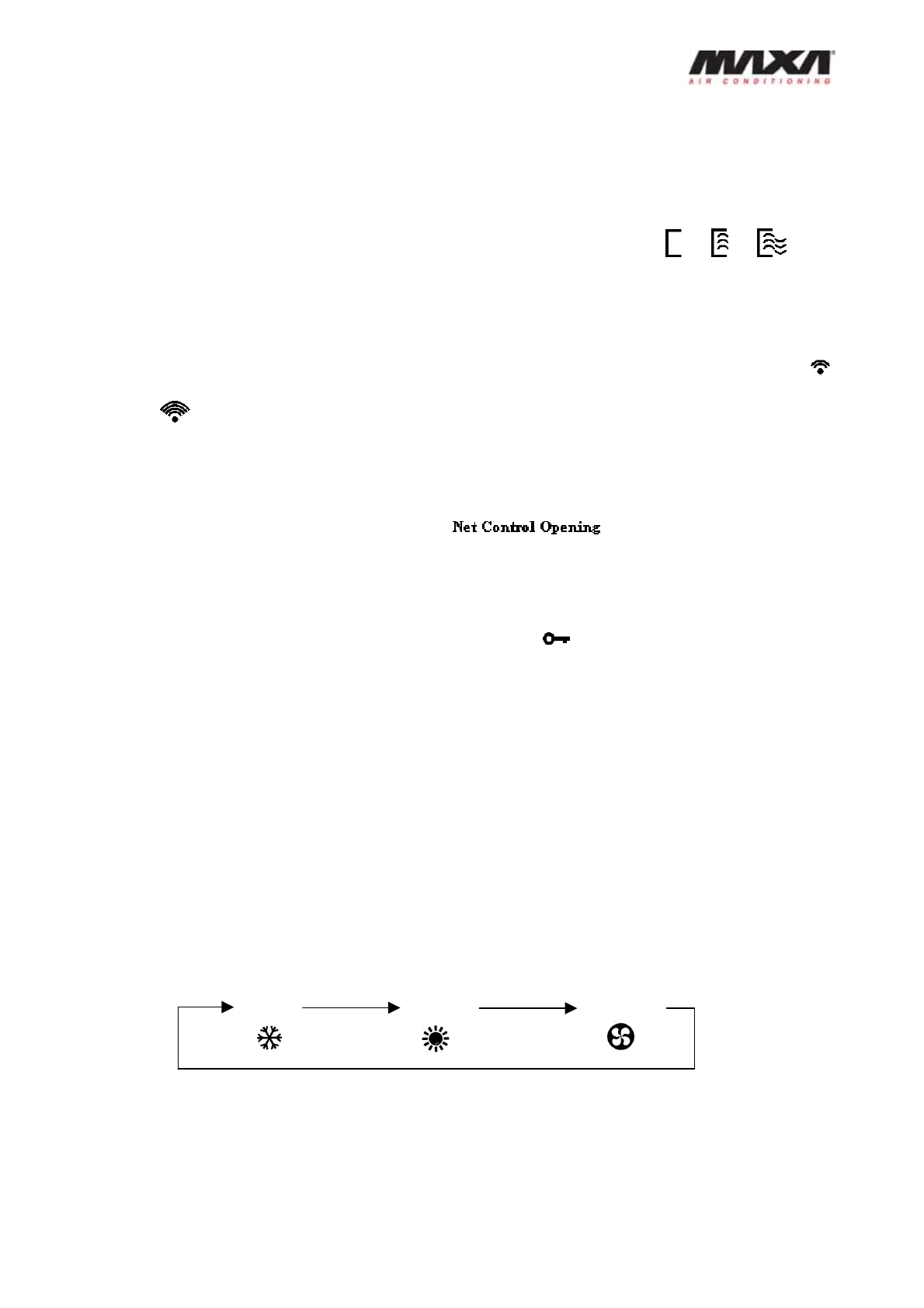
change in cycle by every pressing in the sequence below:
If unit is on, working mode can’t be changed when pressing Mode button.
3——Page up
It is just available on the main page and Query page, the data on the former page will
Cooling Heating Pumping


 To Next Page