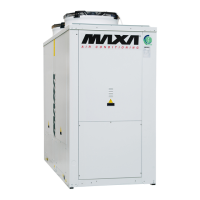
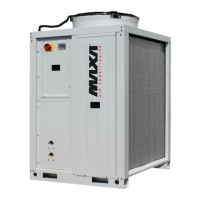
CD 30 ÷ 520
63
Available range is 0~16.
4——Home page display
Home page consists of numbers of pages, and have no definite number.
1) Display page 1 as Default, show other pages in cycle by pressing page up/down button.
2) The total outlet water temp is shown on page 1 in the upper area. Then the total outlet
water temp and T4 display in cycle according to the page sequence.
3) The number of online unit and running units are displayed in lower area on page 1 and 2
respectively.
4) Failure codes are shown in the lower area from page 3. 4 failure codes can be displayed
by paging down. If there are more than 4, the rest will not be displayed. If there is no failure,
then only one page displays “E-“ and the next page displays protection code.
5) After having displayed failure codes, protection code will be available. Fewer than 4
(include 4) protection codes can be displayed in lower display area by pressing page
up/down button, if there are more than 4 failure codes, the rest will be unavailable to
display. If there is no protection, only one page displays “P-“, then the next page returns to
page 1.
6) It will return to page 1 if pressing page down when all the data has been displayed. The
last page will be displayed if pressing page up from page 1.


 To Next Page