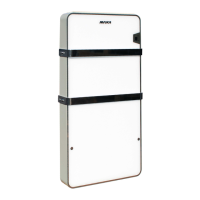
CD 30 ÷ 520
65
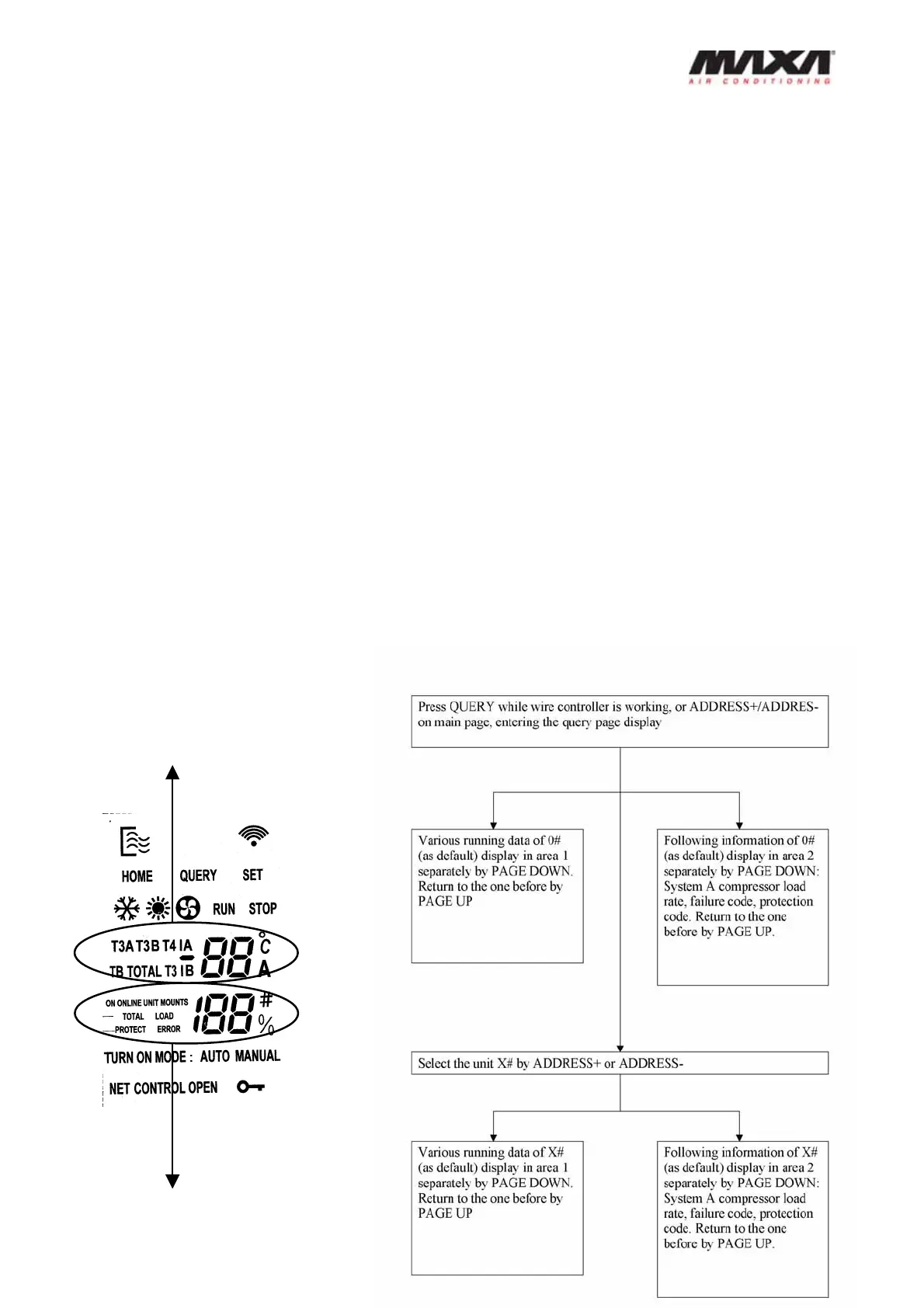
4) Failure codes of current unit are shown in the lower area from page 3. 4 failure codes can
be displayed by paging down. If there are more than 4, the rest will not be displayed. If
there are no failure, then only one page displays “E-“ and the next page displays protection
code.
5) After having displayed failure codes, protection code will be available. Fewer than 4
(include 4) protection codes can be displayed in lower display area by paging up/down, if
there are more than 4 failure codes, the rest will be unavailable to display. If there is no
protection, only page displays “P-“, then the next page returns to page 1.
6) It will return to page 1 if pressing page down when all the data has been displayed. The last
page will be displayed if paging up from page 1.
7) Pressing “Address Down” and “Address Down” can select the unit address and inquiry the
data of different units.
8) Whenever entering Query page or changing the selected unit, it is necessary to wait for
latest data from corresponding unit. Before receiving any data, the upper area
display”—“ and the lower area displays the unit address, paging up and down is
unavailable. Such situation will last until the wire controller receives the data.
Area 2
Area 1


 To Next Page