20 PBMAXDATA PLATINUM 100 I M9Hardware Installations and Upgrades20
To replace the battery, follow these steps:
1. Observe the safety and ESD precautions in “Safety Information”.
2. Turn off all peripheral devices connected to the server. Turn off the server.
3. Disconnect the AC power cord from the server.
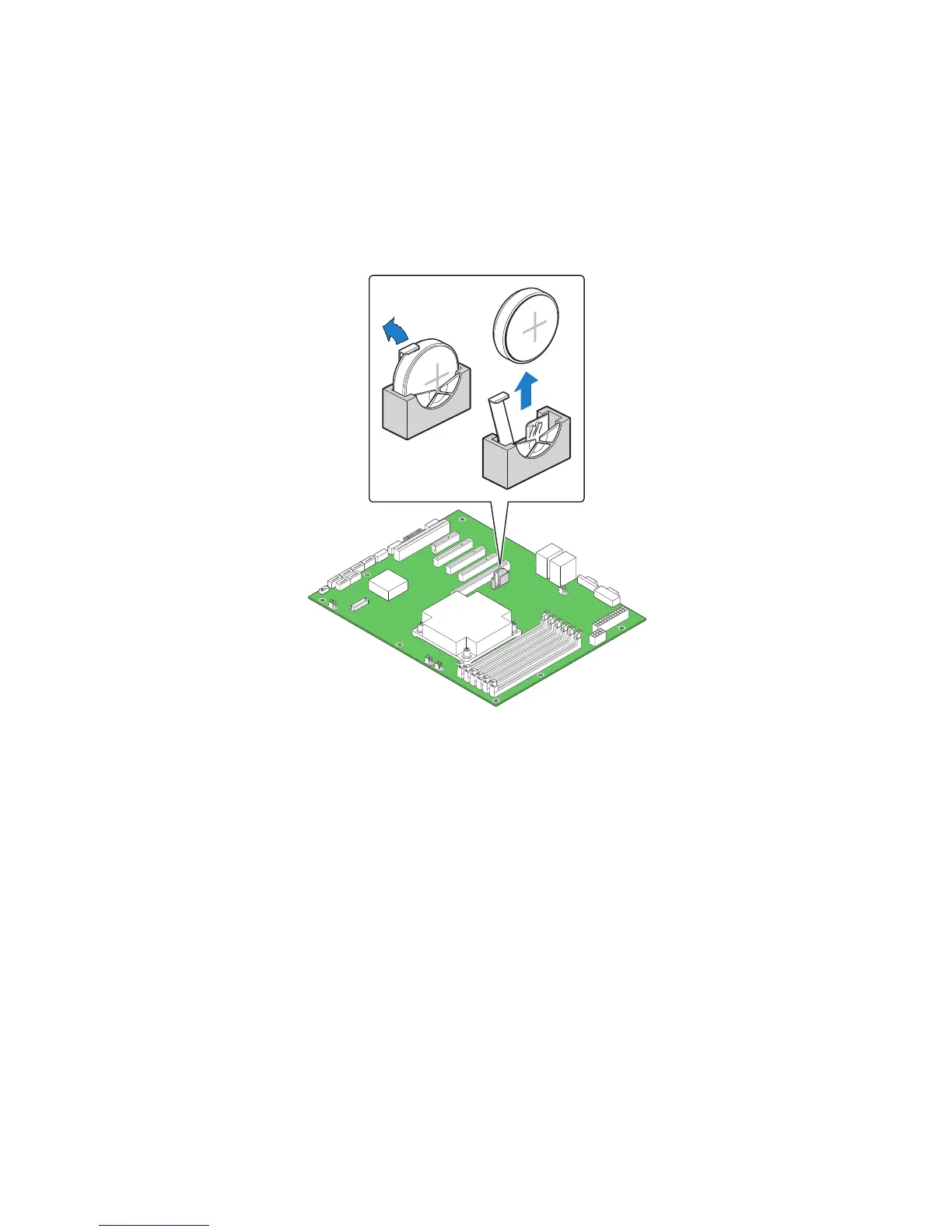
4. Remove the server‘s cover and locate the battery.
5. Lift the battery retention mechanism (see Figure 13).
6. Remove the battery from its socket.
Figure 13. Removing the Battery
7. Dispose of the battery according to local ordinance.
8. Remove the new lithium battery from its package, and, being careful to observe the correct
polarity, insert it in the battery socket.
9. Close the chassis.
10. Run Setup to restore the configuration settings to the RTC.



 To Next Page