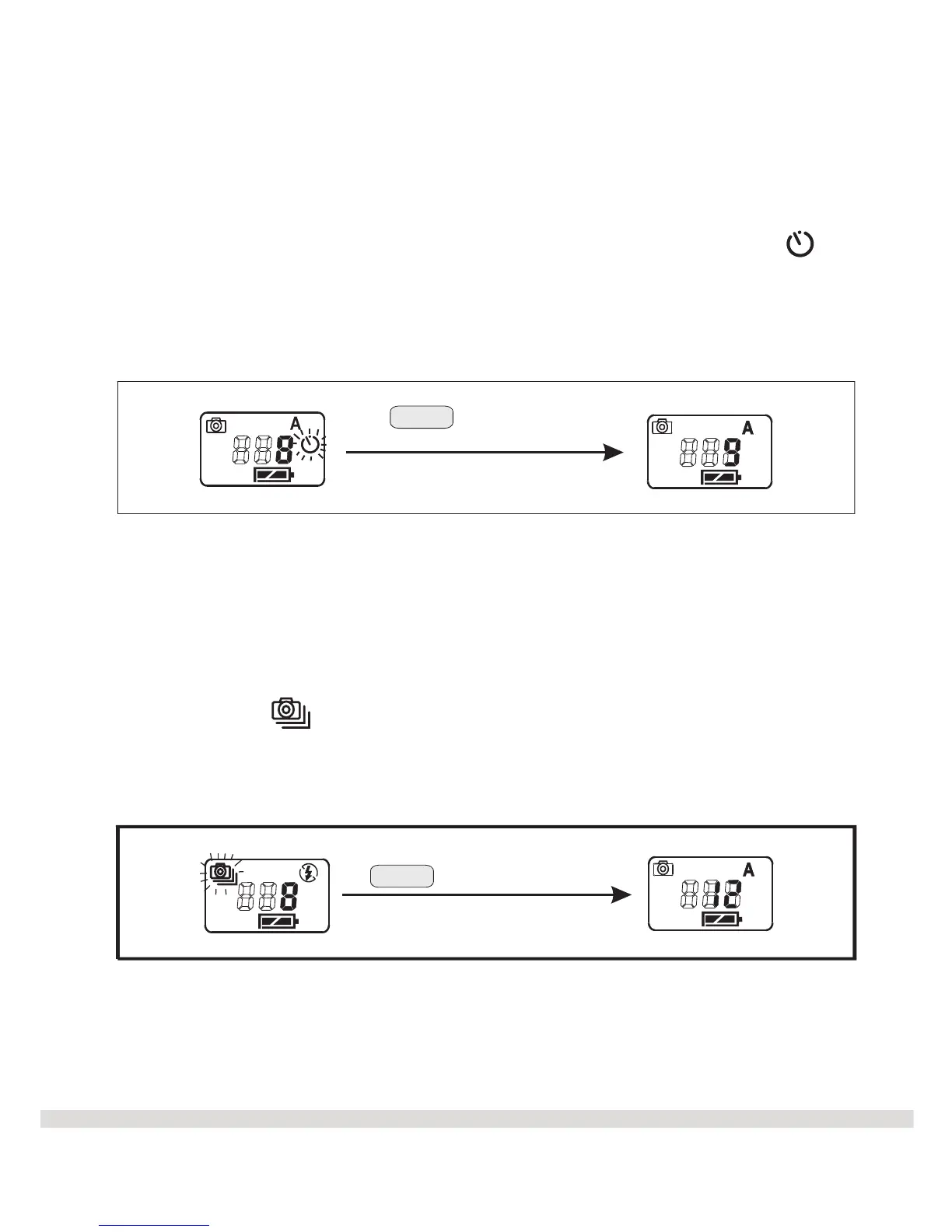
€ Mode 2: Self-Timer - The Self-Timer is used to take a picture with a 10
second delay. Press the Mode button until the self-timer symbol is
blinking. Take the picture by pressing the Shutter button. You have 10
seconds which is indicated by the camera beeping and the self-timer
indicator blinking on the front of the camera.
continuously
€ Mode 3: Continuous Snap Shots - The Continuous Snap Shots is
used to take four pictures at one time. Press the Mode
button until the is blinking. Press the Shutter button to take
the pictures.
9
Shutter (beep blinking)
After 10 sec.
Shutter to capture 4 pictures



 To Next Page