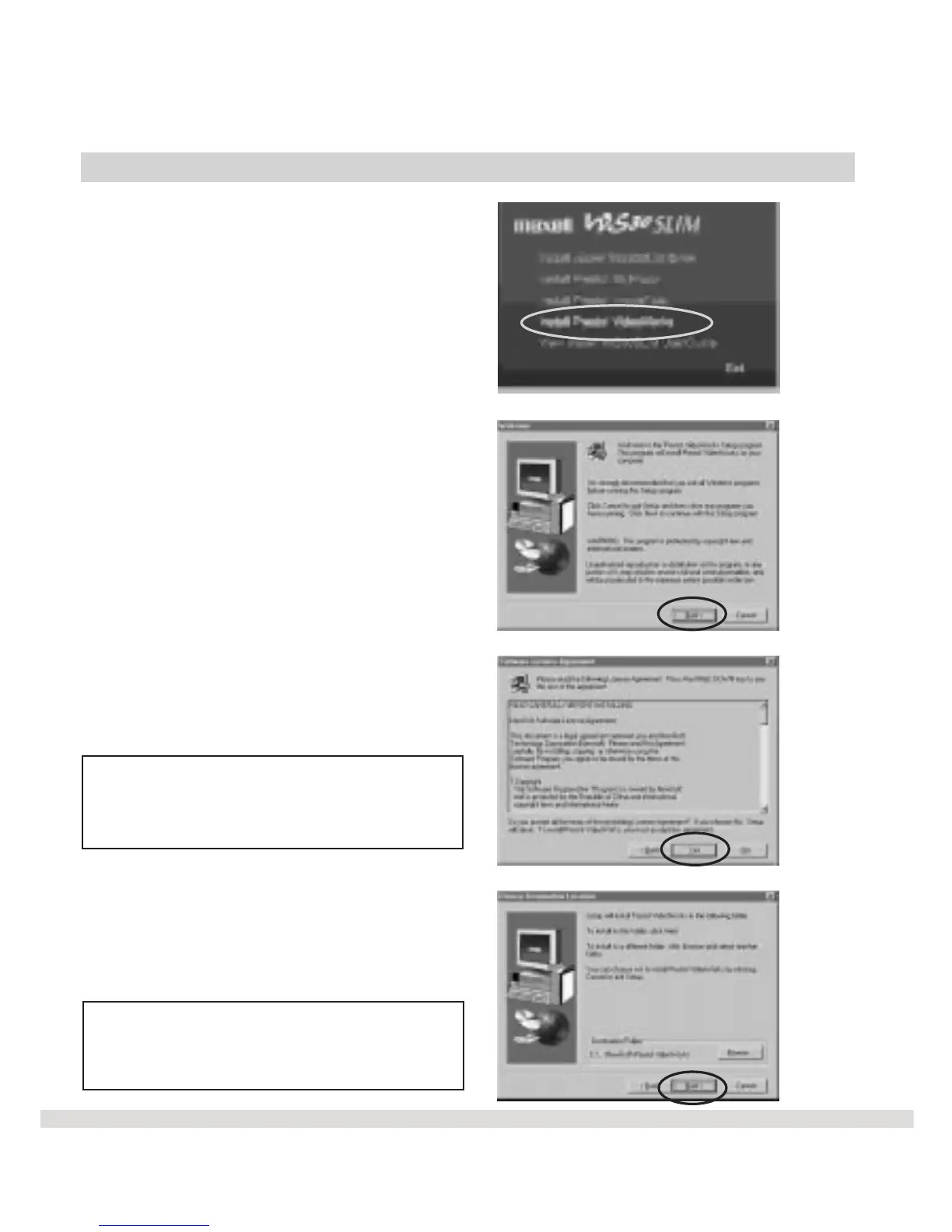
Install VideoWorks
l Step 1 Click on Install Presto!
VideoWorks from the main menu.
l Step 2 Click Next on the
Welcome screen.
l Step 3 After reading the software
license agreement screen, click
Yes .
Note: If you click No, VideoWorks
will not be installed onto your
computer.
l Step 4 Click Next on the Choose
Destination Location screen.
Note: The VideoWorks files are
being installed in the C:\ProgramFiles
\NewSoft\Presto VideoWorks directory.
17



 To Next Page