Using the Video Recording Feature (Create AVI File)
To use the video recording feature follow the steps below.
l Step 1 Make sure the batteries are properly inserted into the camera.
l Step 2 Press the DSC On button. The camera will beep.
l Step 3 Press the Mode button until you see the icon appear.
l Step 4 Press and hold the button, u
l Step 5 Release the button when you complete a video file
Note: If the video is under 8 MB, you can record several Video files.
l Step 6 Connect the WS30 SLIM to your computer via the USB cable.
Note: Refer to the "Getting Connected" section on Page 20 for assistance.
l Step 7 Click on Start from the Windows Task Bar.
l Step 8 Click on Programs.
l Step 9 Click on the MAXELL WS30 SLIM Digital Camera program group.
l Step 10 Click on the WS30 SLIM Digital Camera icon. Your photos will now
appear .
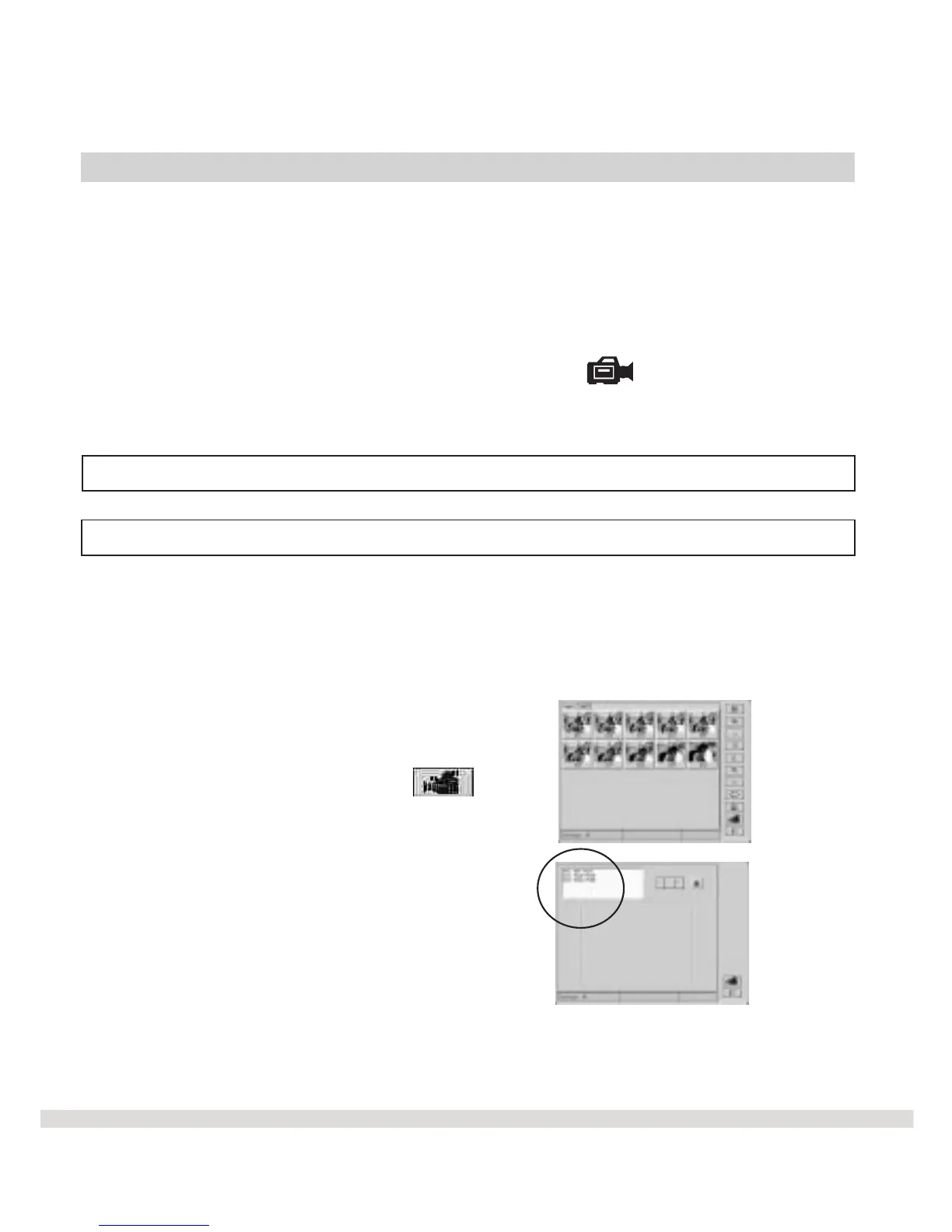
l Step 11 Click on the Video Clip icon.
l Step 12 Select the AVI
Shutter sing optical finder to compose images.
Shutter .
The Video screen appears .
24
Fun Things You Can Do-(Video)



 To Next Page