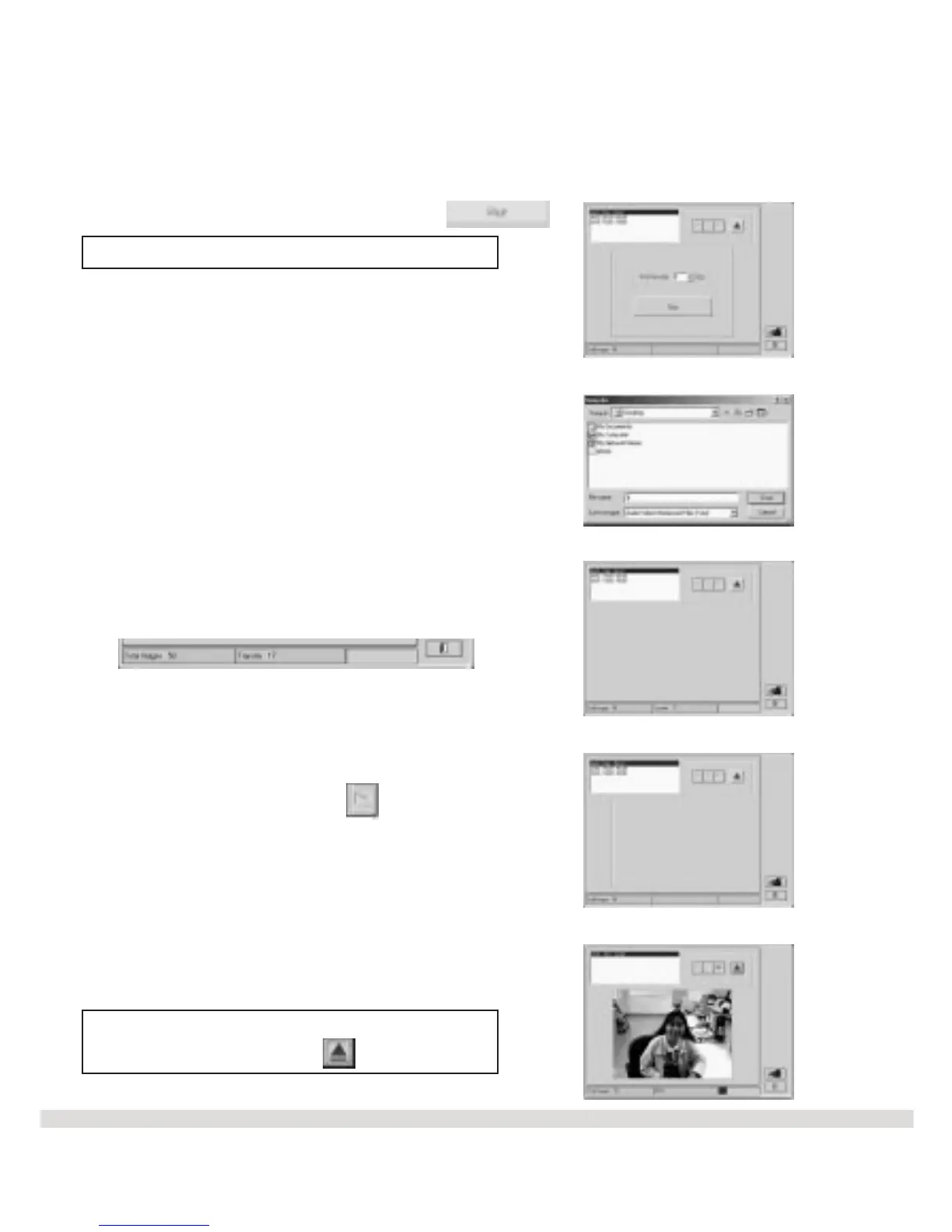
l Step 13 Click on the Run icon .
Note: You can change the Frame rate.
l Step 14 Type in the file name and click
on Save.
l Step 15 The video file is being created.
l Step 16 Click on the button.
L Step 17 The AVI File is now complete, and
you can email it to your friends and family.
Note: You can find this AVI file by
pressing on the button .
25



 To Next Page