Features & Functions
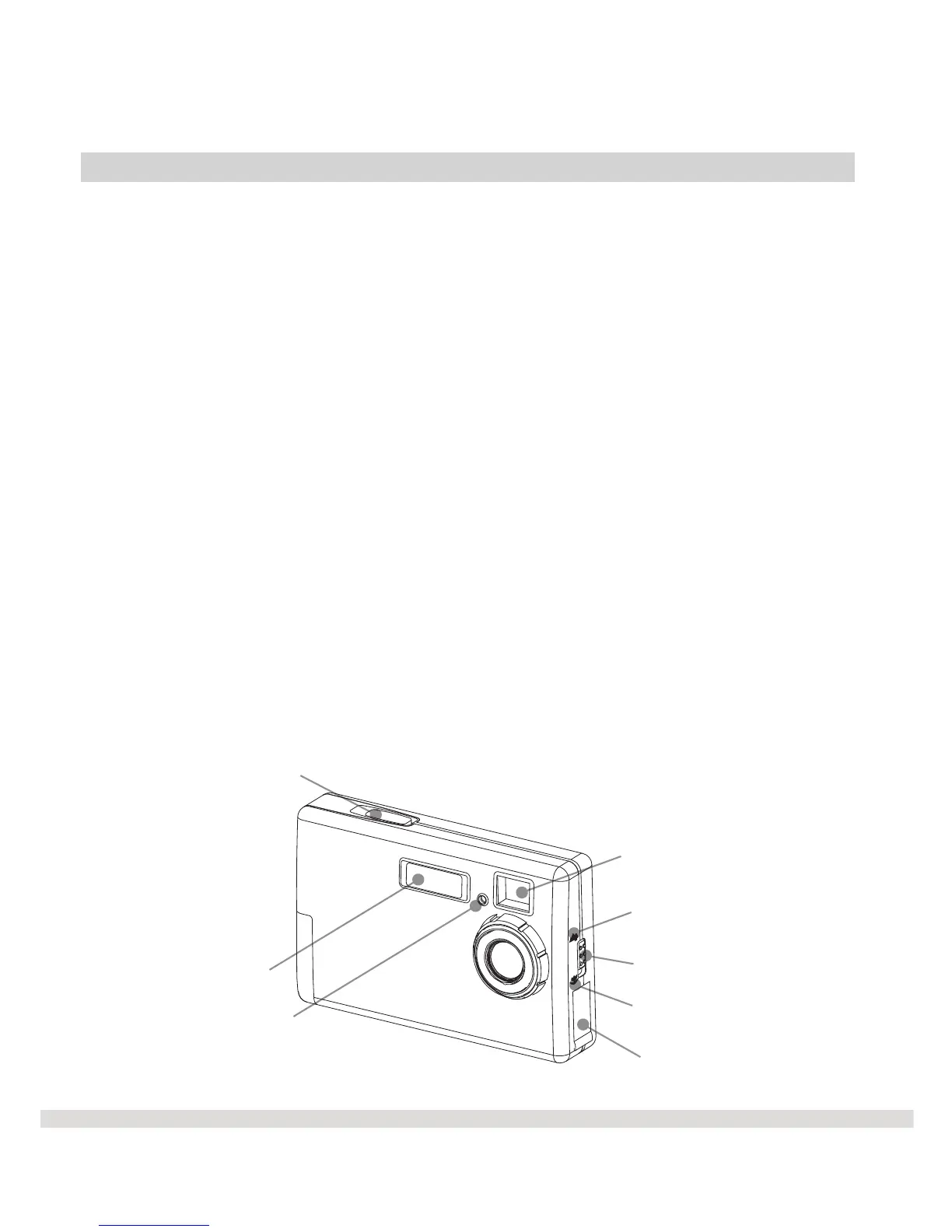
Front of WS30 SLIM
l Standard Mode
The standard mode is used when taking pictures from 0.6 m (2ft) ~infinity.
l Macro Switch
This switch is used to change from Standard to Macro mode.
l Macro Mode
The macro mode is used to take close up pictures of 0.2 m (8 inch).
l USB Connector
The USB Connector is the port where you plug the USB cable into when
you want to download your photos to your computer.
l Shutter
Press the Shutter button to take a picture.
€ Optical Finder
The optical finder or viewfinder is where you look into to compose the
picture.
Shutter
Flash Light
Self-Timer Signal
Optical Finder
Macro Switch
Standard Mode
Macro Mode
USB Connector
4



 To Next Page