Accessing the CD
Installing the Software
l
l
l Step 2 Double-click on the
CD-ROM icon.
l
l
Step 1 Place the MAXELL Digital CD-ROM into the appropriate drive.
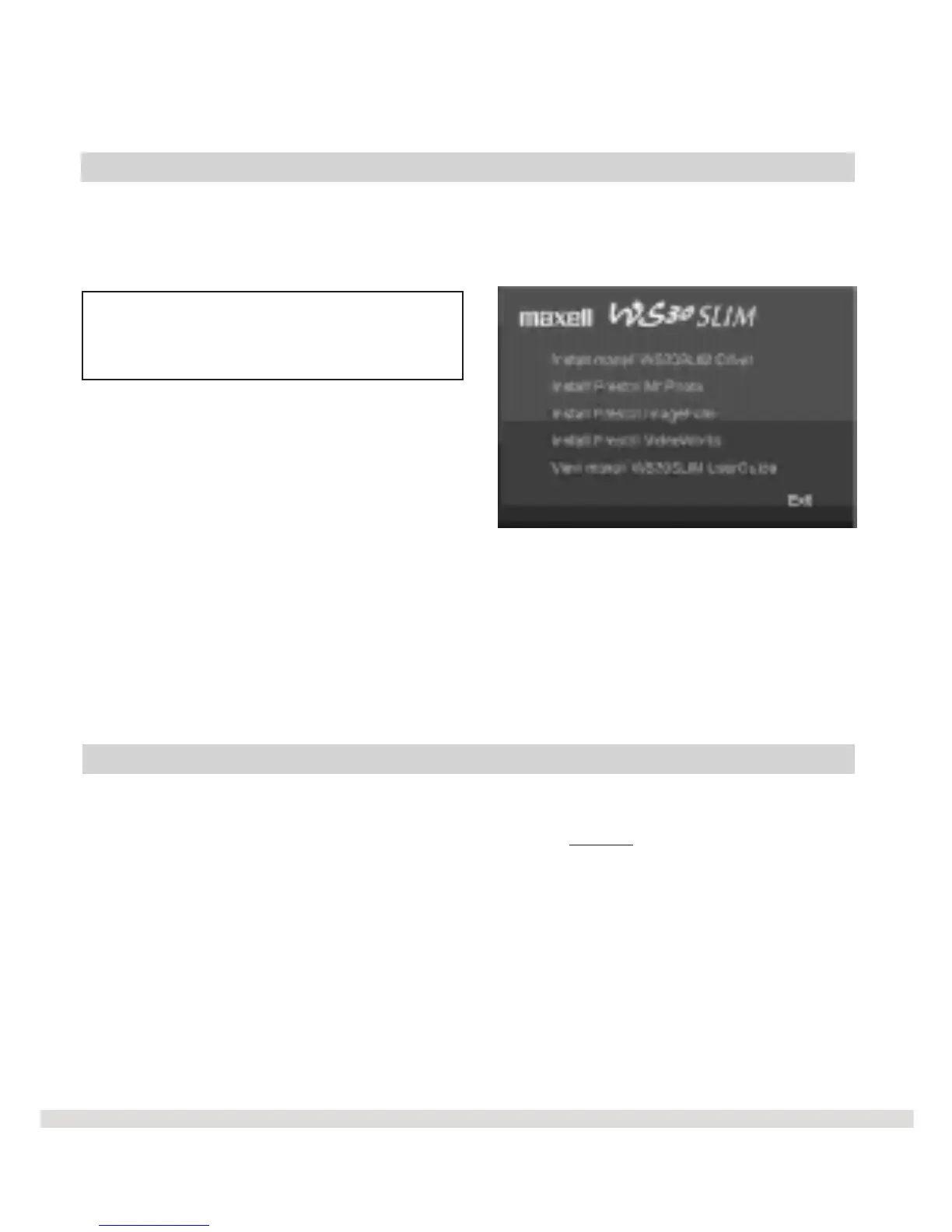
The MAXELL Digital Main Menu screen should automatically appear.
Note: If the main menu screen
doesn't appear follow the directions
below.
Step 1 Double-click on the My
Computer icon on your desktop.
Step 3 Double-click on the
Autorun icon.
Step 4 The MAXELL Digital Main
Menu screen will appear.
Let's follow the order in which the software appears on the main menu to
begin the install process. Please note that you must install all of the
software options in order to download photos and take advantage of the
WS30 SLIM features.
12



 To Next Page