Using the Video Capture Feature
To use the video capture feature follow the steps below.
l Step 1 Connect the WS30 SLIM to your computer via the USB cable.
Note: Refer to the "Getting Connected" section on Page 20 for assistance.
l Step 2 Click on Start from the Windows Task Bar.
l Step 3 Click on Programs.
l Step 4 Click on the Presto! Video Works program group.
l Step 5 Click on the Presto! Video Works icon.
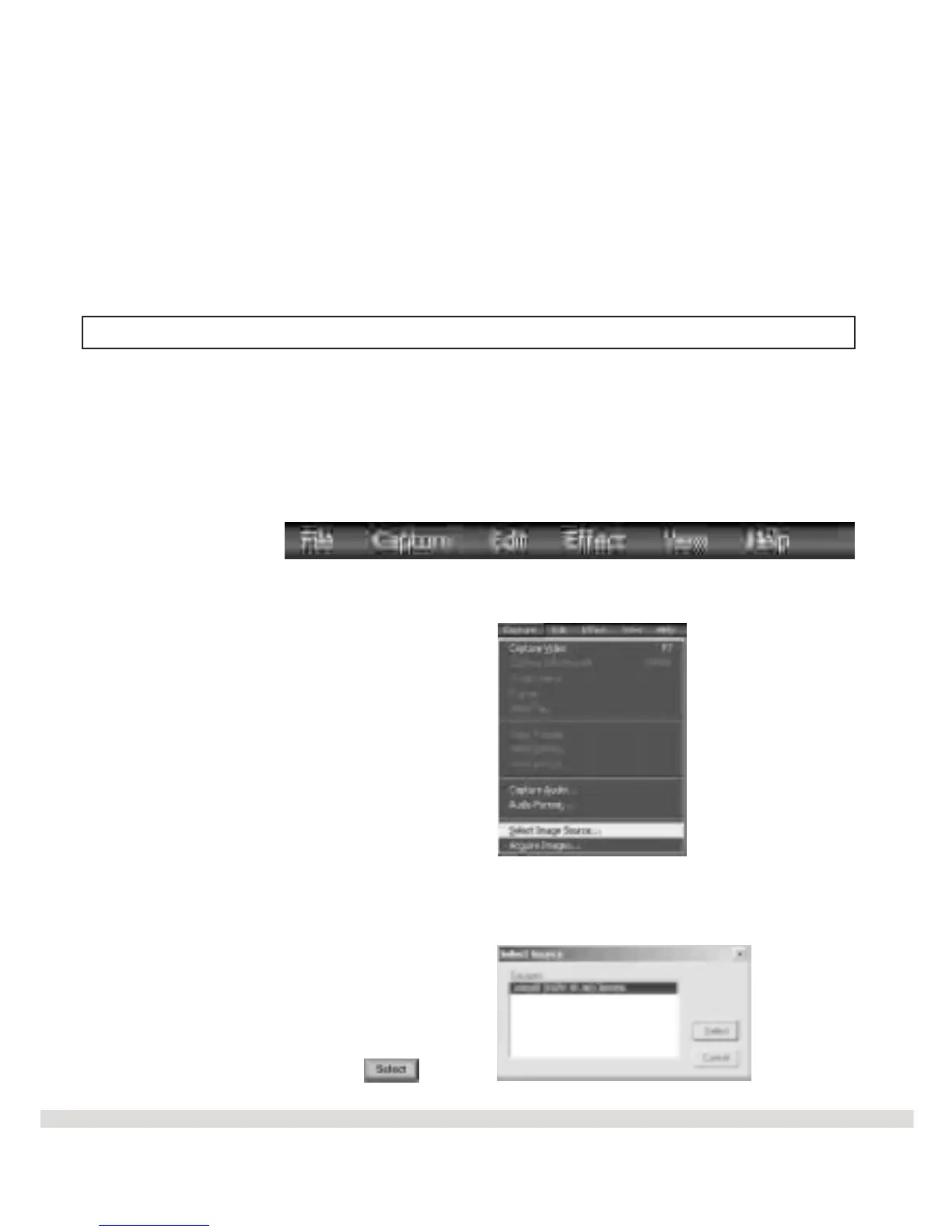
l Step 6 Click on Capture from the menubar.
l Step 7 Click on Select Image Source from the drop down menu.
l Step 8 Click on MAXELL WS30 SLIM Digital Camera.
l Step 9 Click on the Select button.
The select source screen appears.
26



 To Next Page