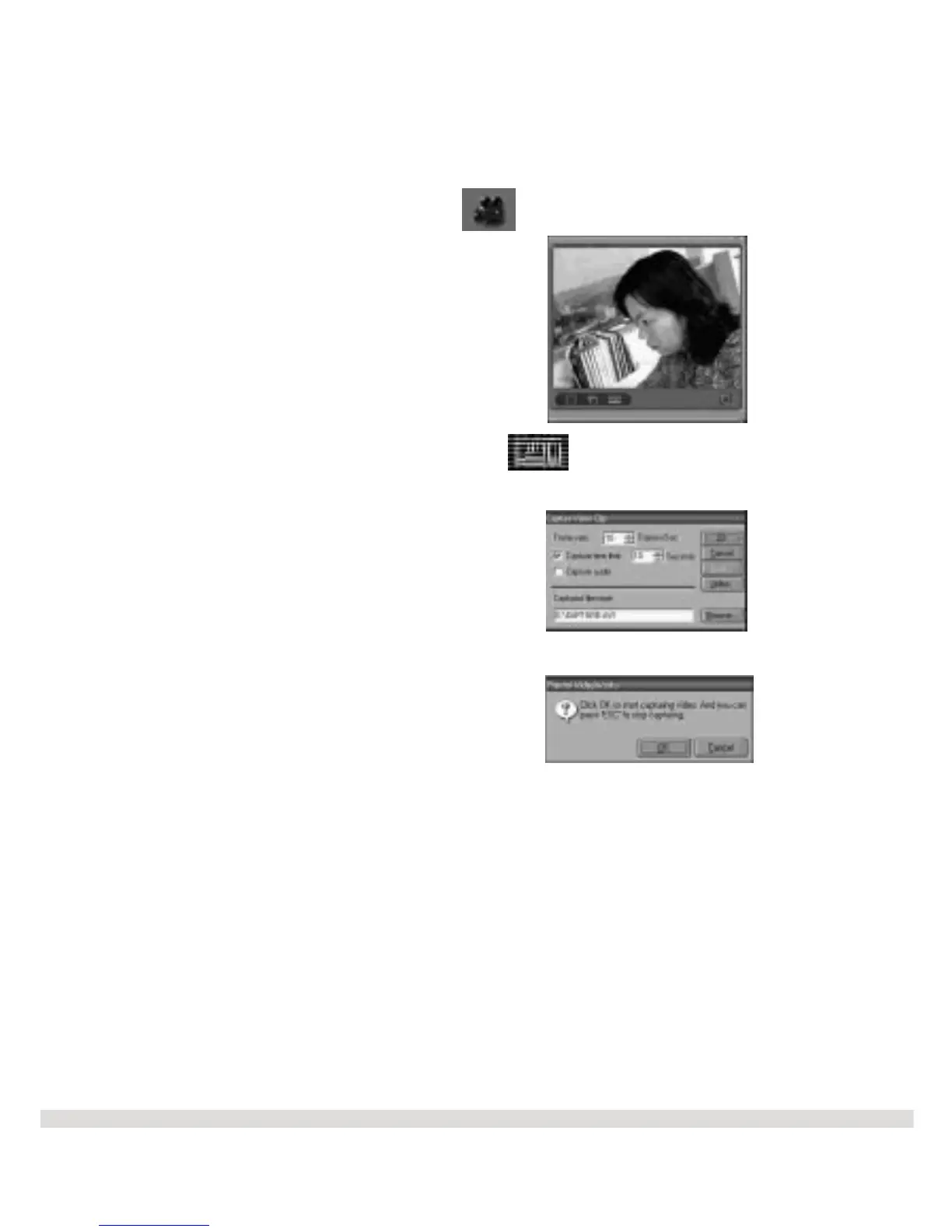
l Step 10 Click on the Capture Video icon which is located on the tool bar
to begin capturing video.
l Step 11 Click on the Sequence Capture icon on the video viewer.
l Step 12 Click OK on the Capture Video Sequence screen.
l Step 13 Click OK to start capturing video.
The capture screen appears.
l Step 14 Click on the Save icon located on the toolbar to save your video file.
Using the Video Conferencing Feature
When using the WS30 SLIM along with a video conferencing software such as MicroSoft
NetMeeting, you can communicate with others over the Internet or local Intranet.
The video viewer screen appears.
27



 To Next Page