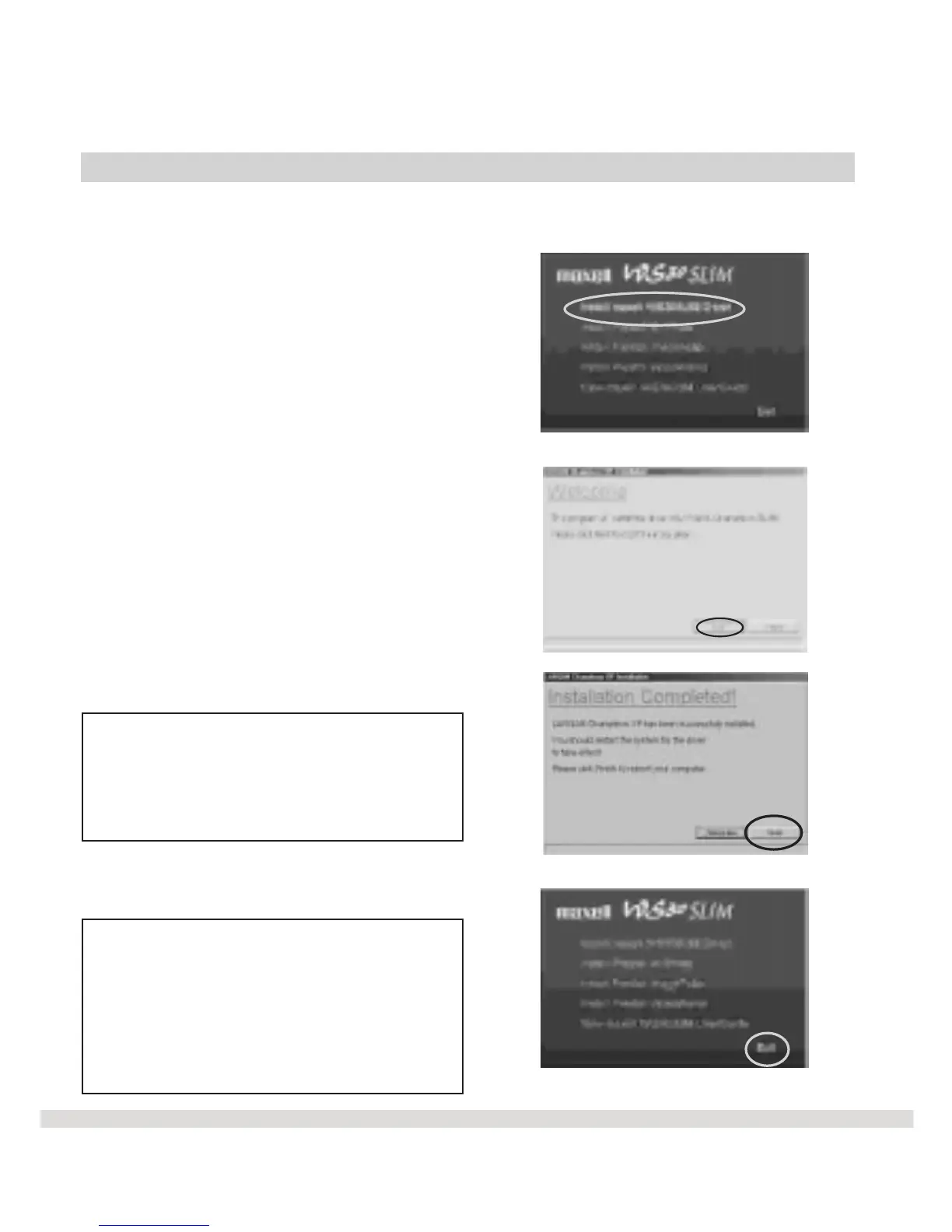
Install WS30 SLIM Driver
In order for you to download pictures from the camera to your computer,
you will need to install WS30 SLIM Driver .
l Step 1 Click on Install MAXELL
WS30 SLIM Driver from the main
menu.
l Step 2 Click Next on the Welcome
screen.
l Step 3 Click Finish on the
Installation Completed screen.
Note: In order for all of the software
to take effect, your computer will
automatically restart. Once you have
rebooted your computer, you are now
ready to exit the main menu.
l Step 1 Click Exit on the Main
Menu screen.
Note: Each software program group
(Mr. Photo , ImageFolio, VideoWorks)
contains a User's Manual provided by
the software manufacturer. These
manuals provide in-depth information
on each program than described in
this User's Guide.
19



 To Next Page