l
l
L
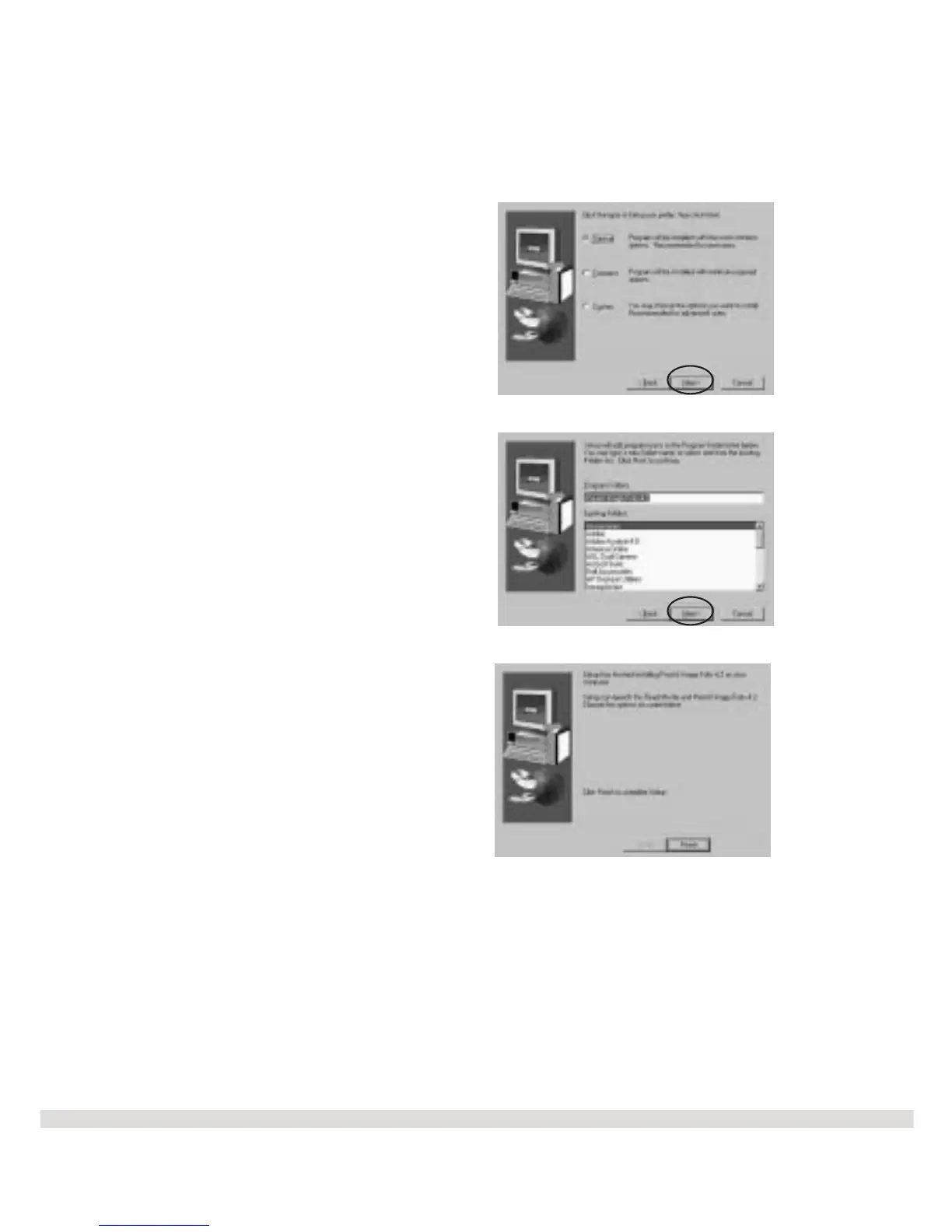
Step 5 Click Next on the Setup
Type screen. The default setup is
Typical.
Step 6 Click Next on the Select
Program Folder screen. The files
will begin to copy to your computer.
Step 7 Click Finish on the Setup
Complete screen.
You will now see the Main Menu
again to make your next selection.
16



 To Next Page