l
l
l
L
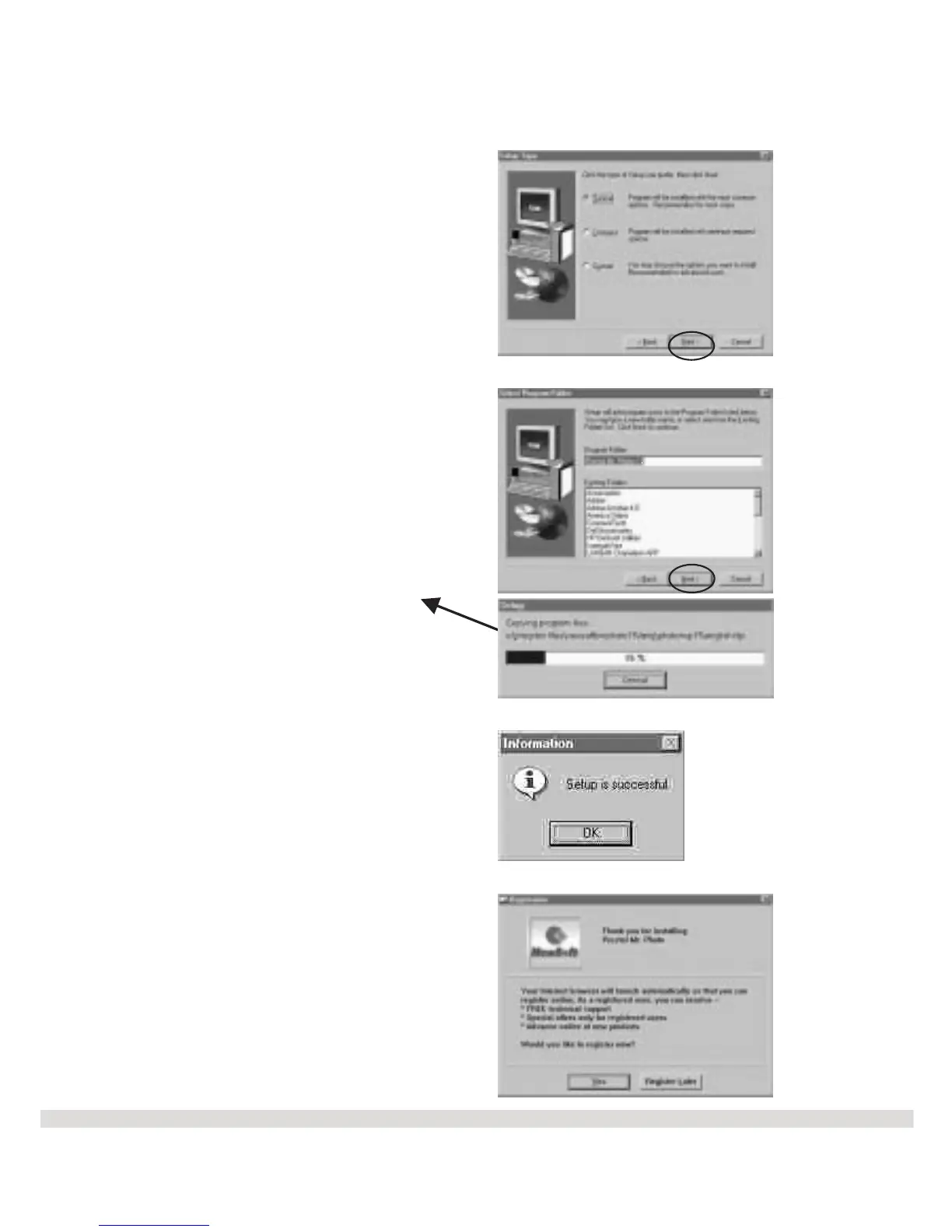
Step 5 Click Next on the Setup
Type screen. The default setup is
Typical.
Step 6 Click Next on the Select
Program Folder screen.
Step 7 Click OK on the
Information screen.
Step 8 Click Yes or Register
Later on the Registration screen.
You will now see the Main Menu
again to make your next selection.
14
The files will begin
to copy to your
computer.



 To Next Page