100
The PSN Code here is used to remind you the programmed ID of each
MX-Sensor.
When you have programmed more than 1 MX-Sensor at a time, you can
read the PSN Code printed on the MX-Sensor as an index to find out the
corresponding ID programmed to each MX-Sensor.
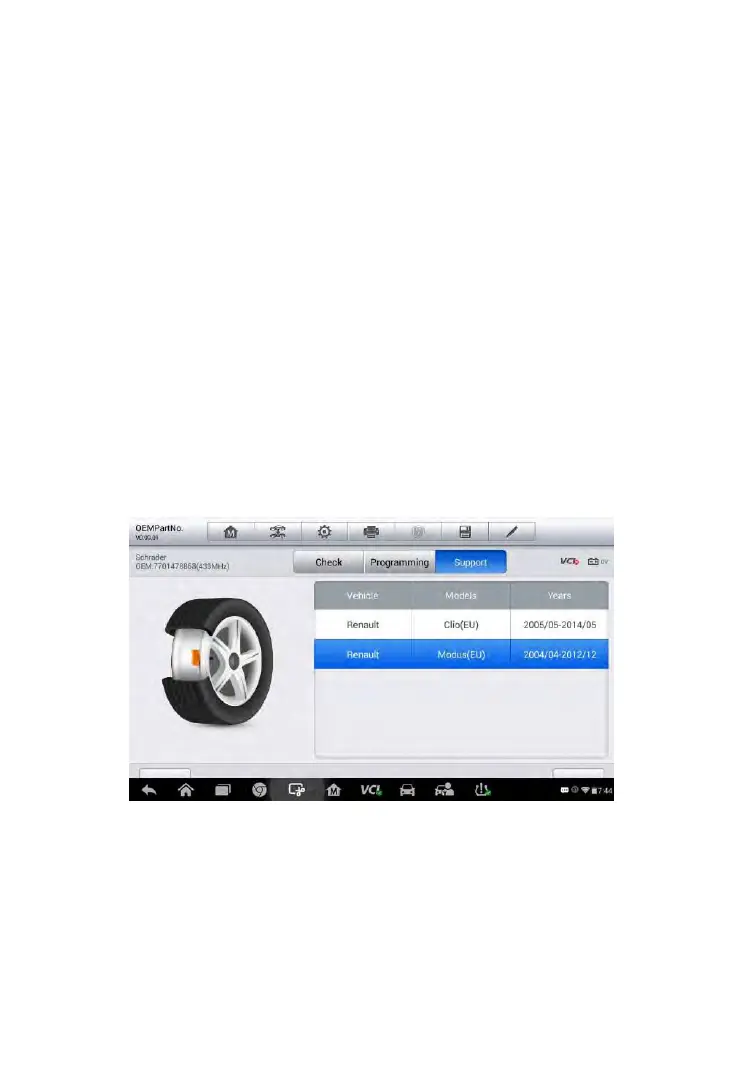
Support
By using Support, the applied vehicle types of this specific OEM part
number will be displayed and you can confirm whether the entered OEM
part number is correct by finding out the desired vehicle type from this list.
Besides, from this applied vehicle model list, you can select the correct test
vehicle model and then tap Enter Vehicle at the bottom left of the screen to
enter a menu with more comprehensive TPMS service to conduct
Diagnosis, Relearn and more functions. Refer to TPMS Diagnosis on page
82 and TPMS Relearn on page 92 for more details about the
comprehensive TPMS functions menu.
Figure 6-35 Sample Support Screen



 To Next Page