43
Turn and HOLD key
either way for
reversible gate
directions.
2
Slide door open
and insert key.
1
1
1
1
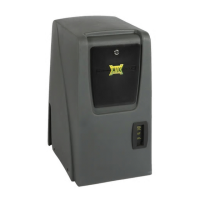
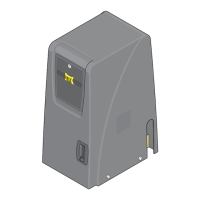
The chain is mechanically dropped to manually release the gate. The GATE SHUT-OFF SWITCH MUST be turned ON before
dropping the chain (See below). Dropping the chain without turning the Gate Shut-Off switch ON will activate the ALARM
and GATE TAMPER feature, See page 36 for complete information about Gate Shut-Off switch operation.
NOTE: The gate cannot be manually pushed open.
Preform .
Insert key and turn
to unlock chain.
Press down
lever to release
chain.
Slide cover door open.
Turn Gate Shut-Off switch ON.
Gate chain can be dropped
without the
ALARM activating.
The GATE TAMPER relay WILL
be activated.
mechanical gate release (manual release)
electronic gate open / close
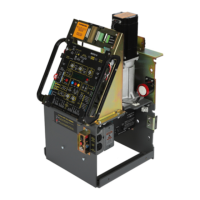
maintenance
CAUTION: Keep pedestrians and vehicles
clear of the gate while it is moving.
Optional MAX Chain Release
See page 51 for more
information about MAX
chain drop mechanism.
Gate
Bracket
ON
OFF






 To Next Page
