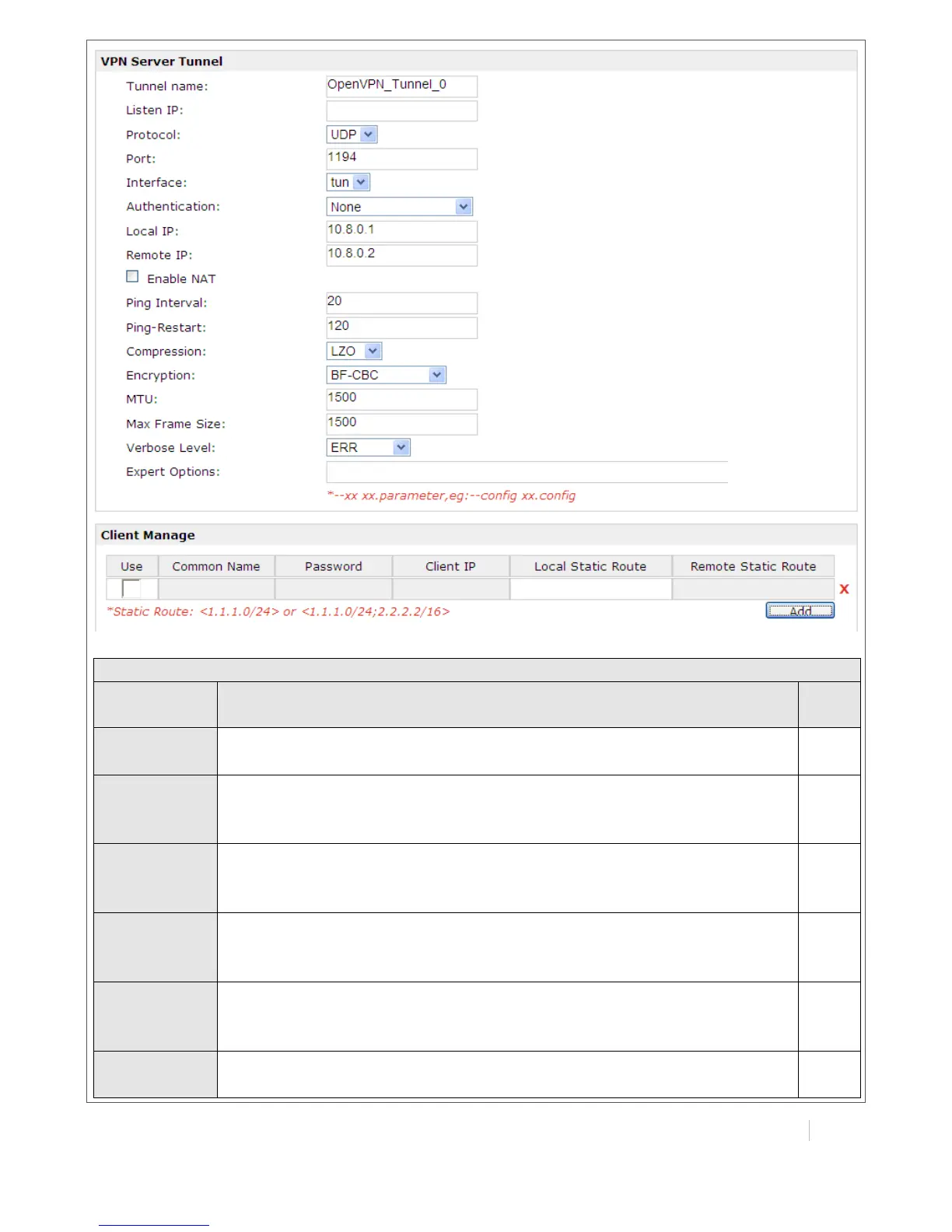
Select the OpenVPN client or server which the certification used for.
Click “Browse” to select the correct CA file from your PC, and then click
“Import” to import it to the router.
Click “Export” you can export the CA file from router to your PC.
Click “Browse” to select the correct Public Key file from your PC, and
then click “Import” to import it to the router.
Click “Export” you can export the Public Key A file from router to your PC.
Click “Browse” to select the correct Private Key file from your PC, and
then click “Import” to import it to the router.
Click “Export” you can export the Private Key file from router to your PC.
Click “Browse” to select the correct DH A file from your PC, and then
click “Import” to import it to the router.
Click “Export” you can export the DH file from router to your PC.
Click “Browse” to select the correct TA file from your PC, and then click
“Import” to import it to the router.


 To Next Page