10
After Sales Support
UK/N.IRELAND HELPLINE N
O
:
REP.IRELAND HELPLINE N
O
:
WEBSITE:
EMAIL:
01270 508538
1800 995 036
www.quesh.co.uk
enquiries@quesh.co.uk
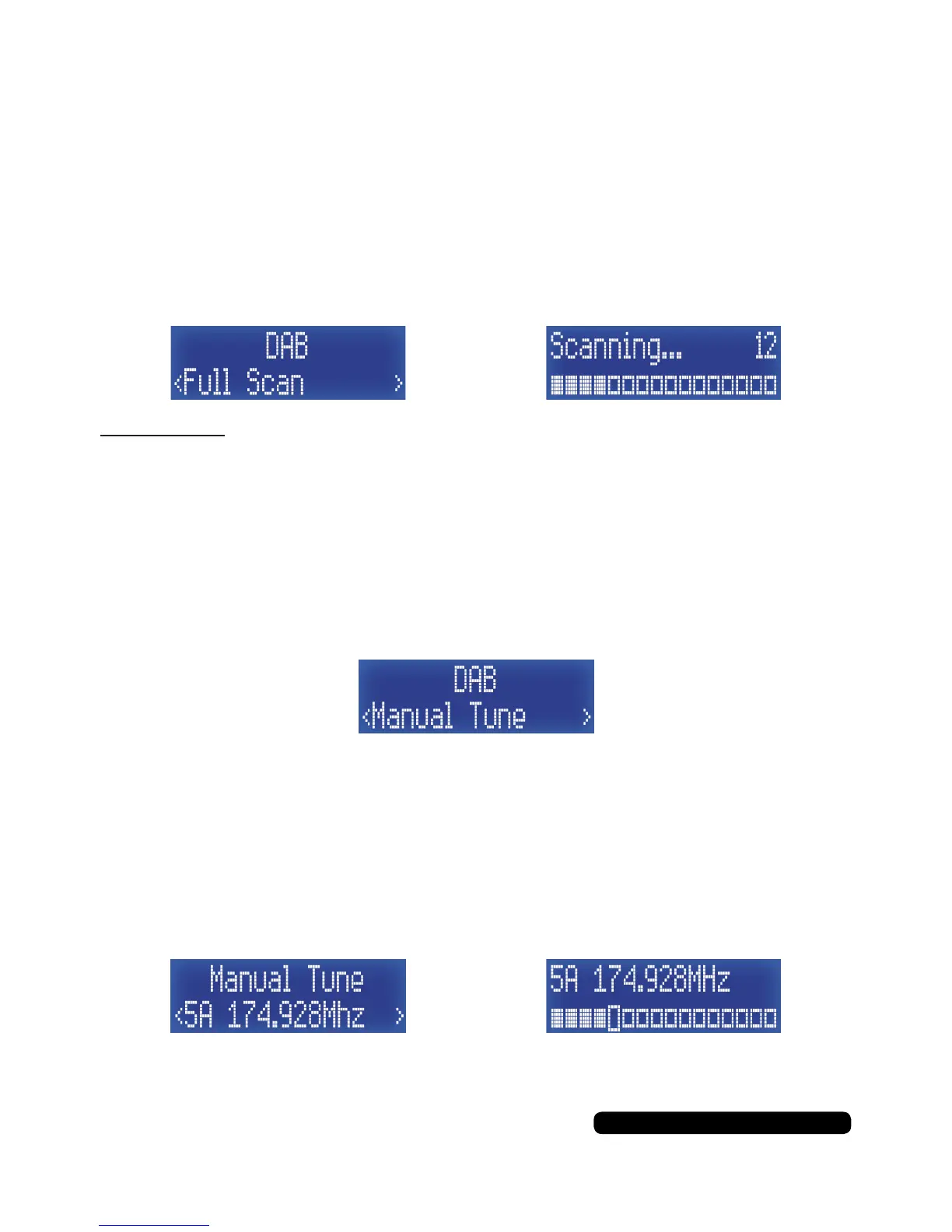
DAB
Full Scan
To manually tune the DAB frequency of the radio, Press the
‘Info/Menu’ button for 2 seconds to enter the DAB menu. The rst
option will be ‘Preset Recall’, press the ‘Tune+’ to cycle through the
menu to ‘Full Scan’, then press the ‘Select/Snooze’
button to start the scan.
Please Note:
The scan button also does the same function as this option.
Manual Tune
Press the ‘Info/Menu’ button for 2 seconds to enter the DAB menu.
The rst option will be ‘Preset Recall’, press the ‘Tune+’ to cycle
through the menu to ‘Manual Tune’, then press the ‘Select/Snooze’
button to access the manual tune options.
Press the ‘Tune+’ or ‘Tune-’ buttons to ne tune the radio followed by
the ‘Select/Snooze’ button to tune the frequency in. This can help to
clear poor signal. View the signal strength of the channel by pressing
the ‘Select/Snooze’ button and the same button again to return to
the tuning screen. You can save the frequency as a preset as
directed on page 9, Preset Store.
Press the ‘Info/Menu’ button to return to the radio.



 To Next Page