24
After Sales Support
UK/N.IRELAND HELPLINE N
O
:
REP.IRELAND HELPLINE N
O
:
WEBSITE:
EMAIL:
01270 508538
1800 995 036
www.quesh.co.uk
enquiries@quesh.co.uk
System
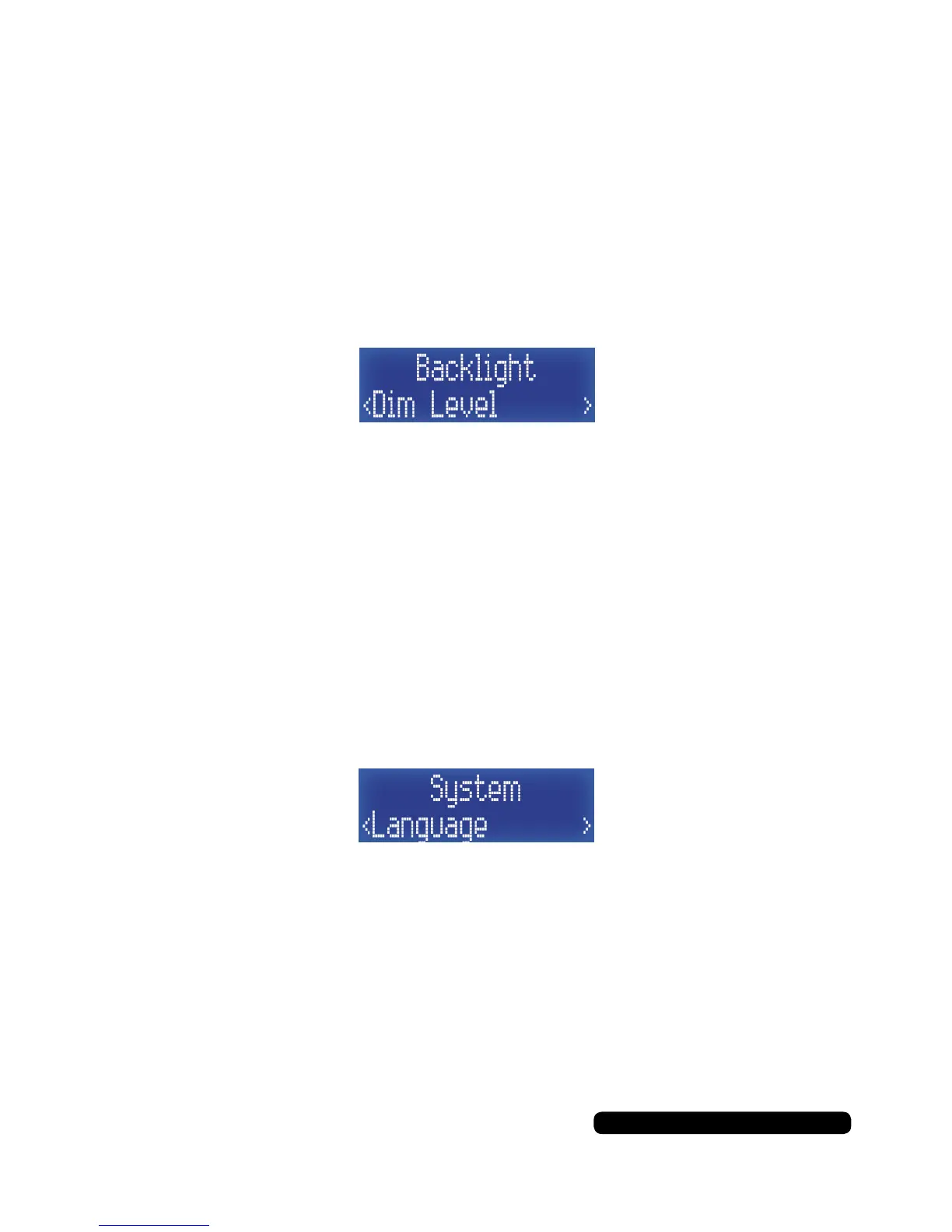
Backlight - Dim Level
Dim level is the brightness of the display when the radio has timed
out i.e. no buttons pressed (unless ‘On’ has been selected in the
timeout options).
Once in the Backlight sub menu list, press the ‘Tune+’ button
repeatedly until you get to ‘Dim Level’ and then press the
‘Select/Snooze’ to set this feature.
In this sub menu you can choose from the following:
High > Med > Low
The asterisk in the top right indicates the current setting.
Press ‘Info/Menu’ a few times to exit this menu option to the radio.
Language
It is possible to change the menu language for the menu systems.
Once in the system menu list, press the ‘Tune+’ button repeatedly
until you get to ‘Language’ and then press the ‘Select/Snooze’ to set
this feature.
Select the update source by using the ‘Tune+’ and ‘Tune-’ to cycle
through the available options and use the ‘Select/Snooze’ button to
conrm. Your Language options are:
English > French > German > Italian
The asterisk in the top right indicates the current setting.
Press ‘Info/Menu’ a few times to exit this menu option to the radio.



 To Next Page