23
After Sales Support
UK/N.IRELAND HELPLINE N
O
:
REP.IRELAND HELPLINE N
O
:
WEBSITE:
EMAIL:
01270 508538
1800 995 036
www.quesh.co.uk
enquiries@quesh.co.uk
System
Backlight - Timeout
This option will allow you to set the length of time in seconds before
the screen dims.
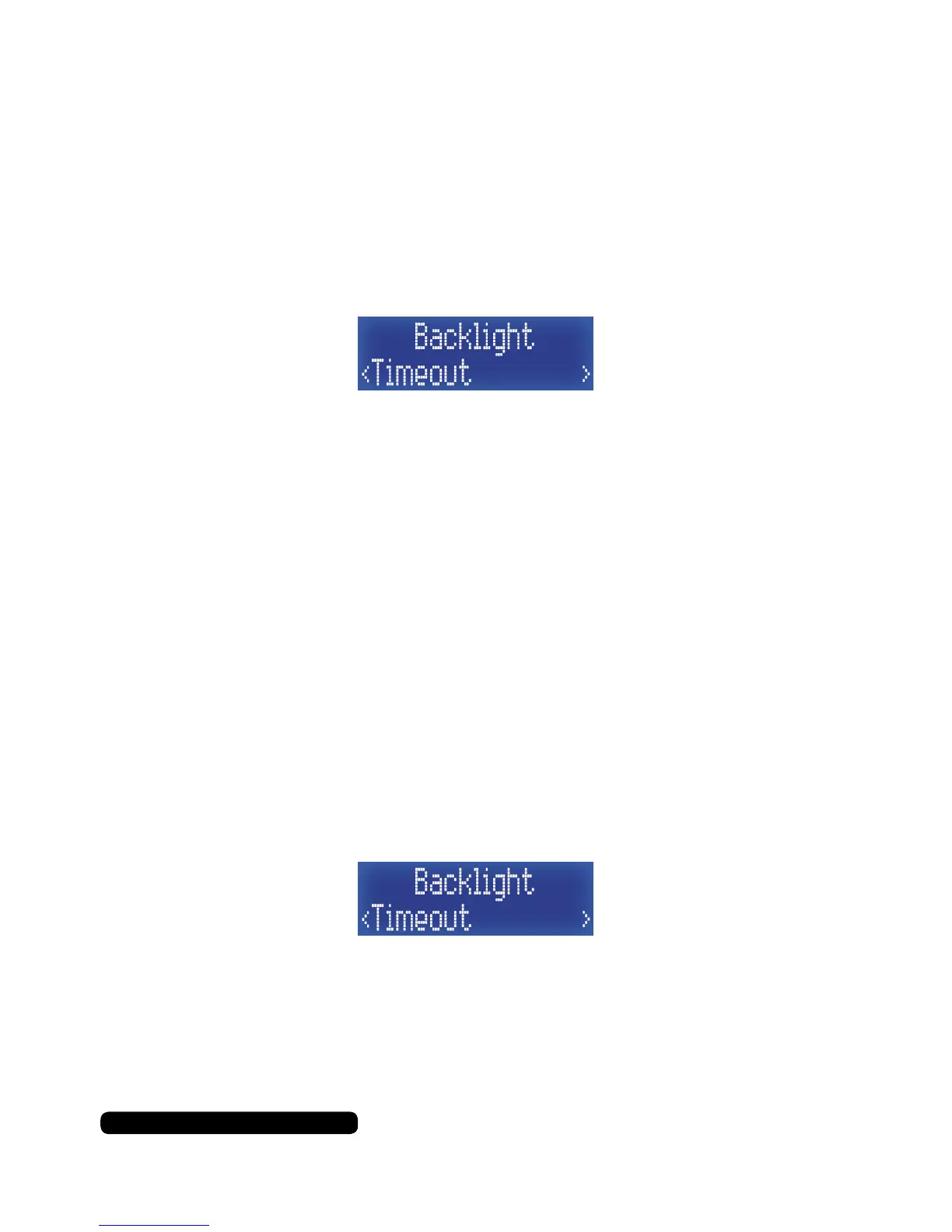
Once in the Backlight sub menu list, press the ‘Tune+’ button
repeatedly until you get to ‘Timeout’ and then press the
‘Select/Snooze’ to set this feature.
Select the update source by using the ‘Tune+’ and ‘Tune-’ to cycle
through the available options and use the ‘Select/Snooze’ button to
conrm. Your timeout options are:
(seconds) 10 > 20 > 30 > 45 > 60 > 90 > 120 > 180 > On
The asterisk in the top right indicates the current setting.
Press ‘Info/Menu’ a few times to exit this menu option to the radio.
Backlight - On Level
On level is the brightness of the display when the radio is being
interacted with i.e. button presses.
Once in the Backlight sub menu list, press the ‘Tune+’ button
repeatedly until you get to ‘Timeout’ and then press the
‘Select/Snooze’ to set this feature.
In this sub menu you can choose from the following:
High > Med > Low
The asterisk in the top right indicates the current setting.
Press ‘Info/Menu’ a few times to exit this menu option to the radio.



 To Next Page