6
After Sales Support
UK/N.IRELAND HELPLINE N
O
:
REP.IRELAND HELPLINE N
O
:
WEBSITE:
EMAIL:
01270 508538
1800 995 036
www.quesh.co.uk
enquiries@quesh.co.uk
Control Method
Using The Buttons
All the buttons that are used with processes are a quick press only
unless stated to press and hold a button. A prolonged press may
interfere with the desired operation of the radio when not required.
On/Off/Standby
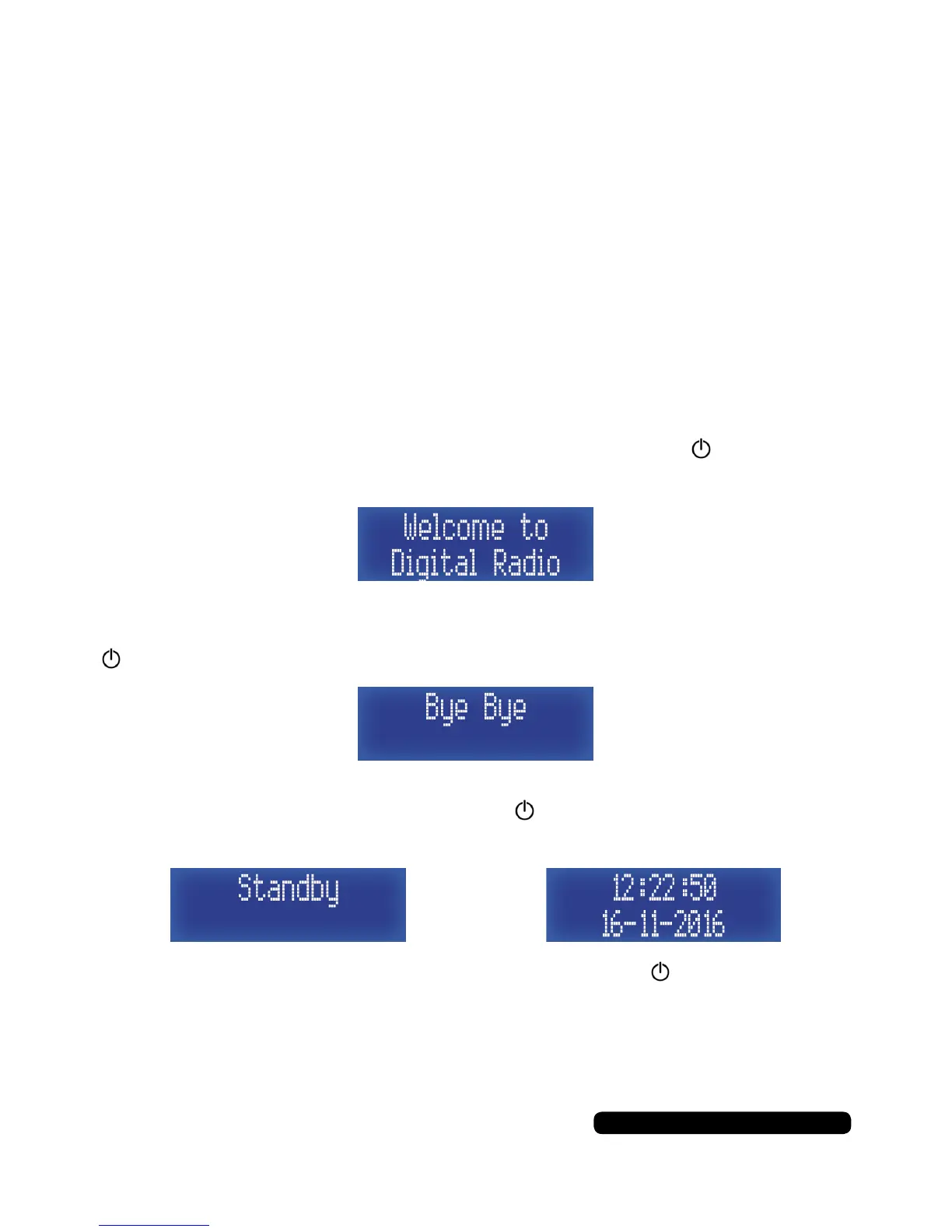
Turning On
If the display is blank and not lit, press and hold the button for 2
seconds to turn the radio on. You will see the welcome splash.
Turning Off
When the display is lit and showing information, press and hold the
button until the ‘Bye Bye’ splash is seen. The display will turn off.
Standby
When the radio is playing press the button to put the radio into
standby mode. The date and time will show on the display.
To bring the radio out of standby mode press the button.
The radio will tune into the last station listened to.



 To Next Page