21
After Sales Support
UK/N.IRELAND HELPLINE N
O
:
REP.IRELAND HELPLINE N
O
:
WEBSITE:
EMAIL:
01270 508538
1800 995 036
www.quesh.co.uk
enquiries@quesh.co.uk
System
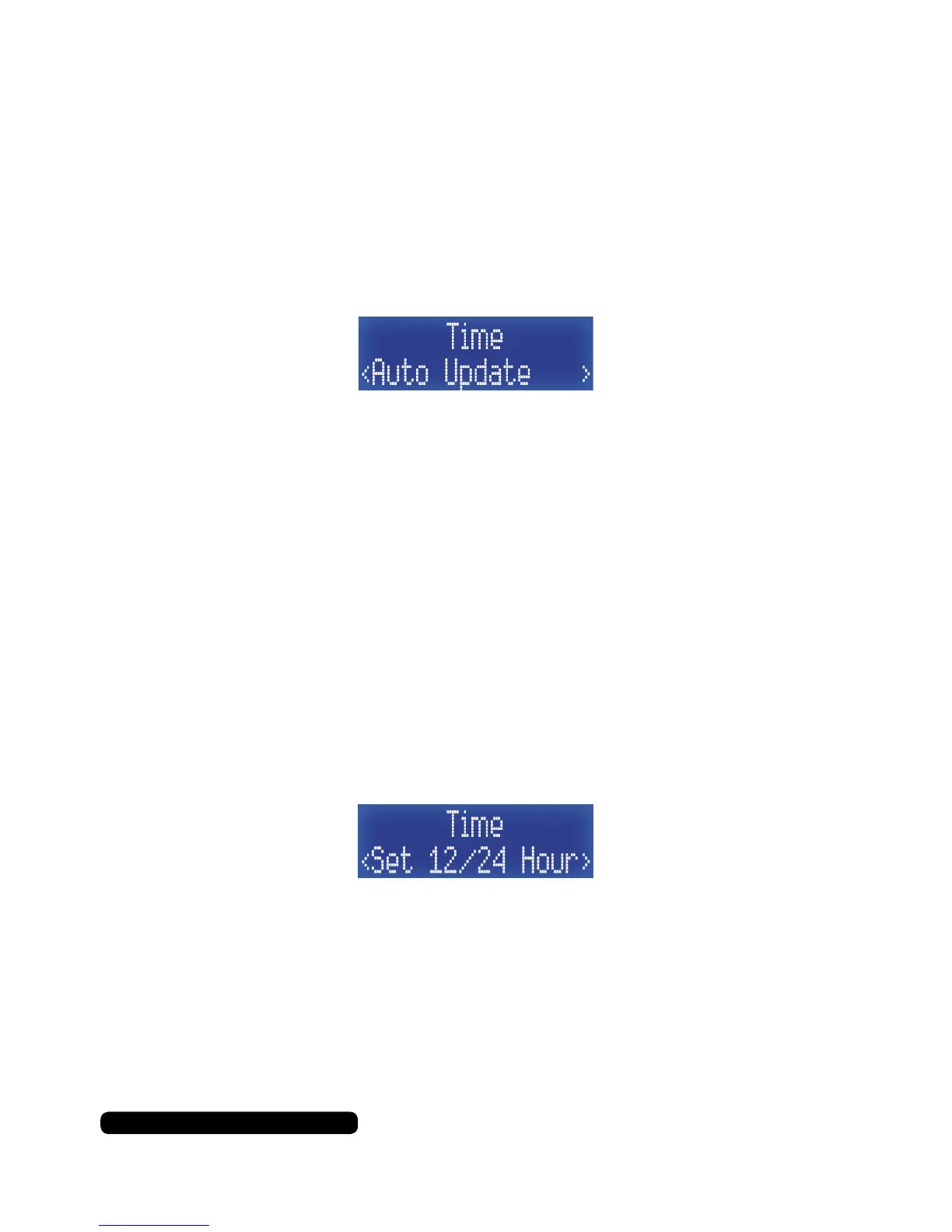
Time - Auto Update
With this option you can auto update the time and date information
from a DAB or FM signal.
Once in the Time sub menu list, press the ‘Tune+’ button repeatedly
until you get to ‘Auto Update’ and then press the ‘Select/Snooze’ to
set this feature.
Select the update source by using the ‘Tune+’ and ‘Tune-’ to cycle
through the available options and use the ‘Select/Snooze’ button to
conrm. Your source options are:
Update Any > Update From DAB > Update From FM > No Update
Press ‘Info/Menu’ a few times to exit this menu option to the radio.
Time - Set 12/24 Hour
Change the presented format of the time with this option.
Once in the Time sub menu list, press the ‘Tune+’ button repeatedly
until you get to ‘Set 12/24 Hour’ and then press the ‘Select/Snooze’
to set this feature.
Select the update source by using the ‘Tune+’ and ‘Tune-’ to cycle
through the available options and use the ‘Select/Snooze’ button to
conrm. Your time format options are:
Set 12 Hour > Set 24 Hour
Press ‘Info/Menu’ a few times to exit this menu option to the radio.



 To Next Page