18
After Sales Support
UK/N.IRELAND HELPLINE N
O
:
REP.IRELAND HELPLINE N
O
:
WEBSITE:
EMAIL:
01270 508538
1800 995 036
www.quesh.co.uk
enquiries@quesh.co.uk
System
Setting The Alarm
There are 2 alarms that can be set on this radio.
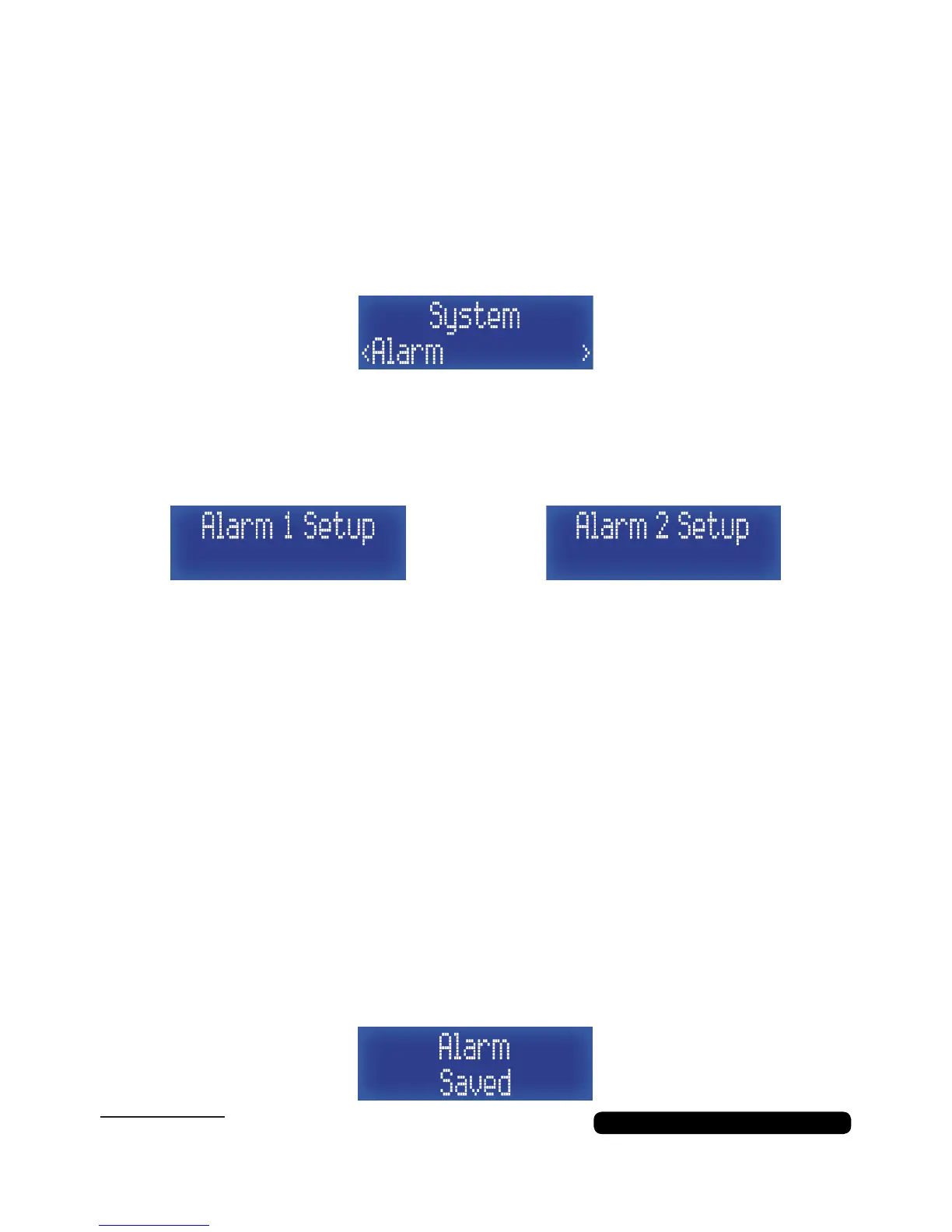
Once in the system menu list, press the ‘Tune+’ button repeatedly
until you get to ‘Alarm’ and then press the ‘Select/Snooze’ to set this
feature.
When you are in the alarm feature, press the ‘Tune+’ button
repeatedly to change between alarm 1 and 2, then press the
‘Select/Snooze’ to set the selected alarm.
Time:
Duration:
Alert:
*If ‘DAB’ or ‘FM’ selected:
Repeat:
*If ‘Once’ selected:
Volume:
Alarm:
Hour > Minutes
15 > 30 > 45 > 60 > 90 (Minutes)
Buzz > *DAB > *FM
Last Listened > Preset (1-10)
Daily > *Once > Weekday > Weekend
Day > Month > Year
Select Volume Level
On > Off
The process is controlled by using the ‘Tune+’ and ‘Tune-’ to cycle
through the available options/values and use the ‘Select/Snooze’
button to conrm the option/value selected.
Process ow:
The ‘alarm saved’ screen will show to conrm the alarm details
have been saved. However this does not mean the alarm is active.
Please Note:
The lowest alarm volume is 4



 To Next Page