16
After Sales Support
UK/N.IRELAND HELPLINE N
O
:
REP.IRELAND HELPLINE N
O
:
WEBSITE:
EMAIL:
01270 508538
1800 995 036
www.quesh.co.uk
enquiries@quesh.co.uk
AUX
Aux Mode
The radio, when turned on, is usually in DAB mode. To enter AUX
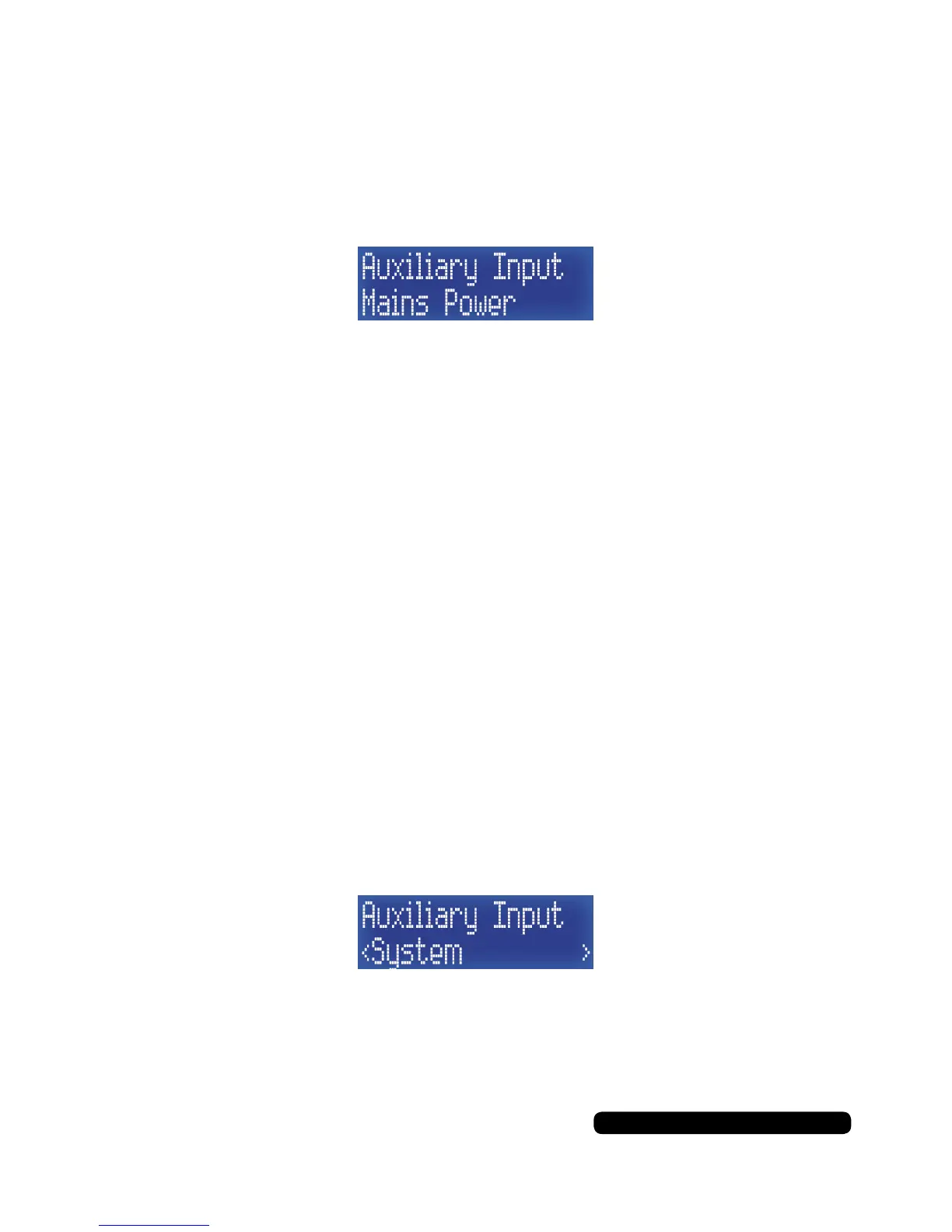
mode, repeatedly press the ‘Mode’ button until ‘Auxiliary Input’
shows on the display.
The radio will act like an amp in this mode. Any device with an audio
output connected to the 3.5mm AUX port on the back of the radio
will play though the speaker.
Make sure the output of the connected device is turned to maximum
volume for best results.
AUX Info
Pressing the ‘Info/Menu’ button repeatedly will cycle through and
display the following radio information:
• Power Type
• Time
• Date
AUX Menu
Press and hold the ‘Info/Menu’ button for 2 seconds to enter the
DAB menu. The only option will be ‘System’.
Use the ‘Select/Snooze’ button to enter the system menu.
Press the ‘Info/Menu’ button to exit the menu.



 To Next Page