12
After Sales Support
UK/N.IRELAND HELPLINE N
O
:
REP.IRELAND HELPLINE N
O
:
WEBSITE:
EMAIL:
01270 508538
1800 995 036
www.quesh.co.uk
enquiries@quesh.co.uk
FM
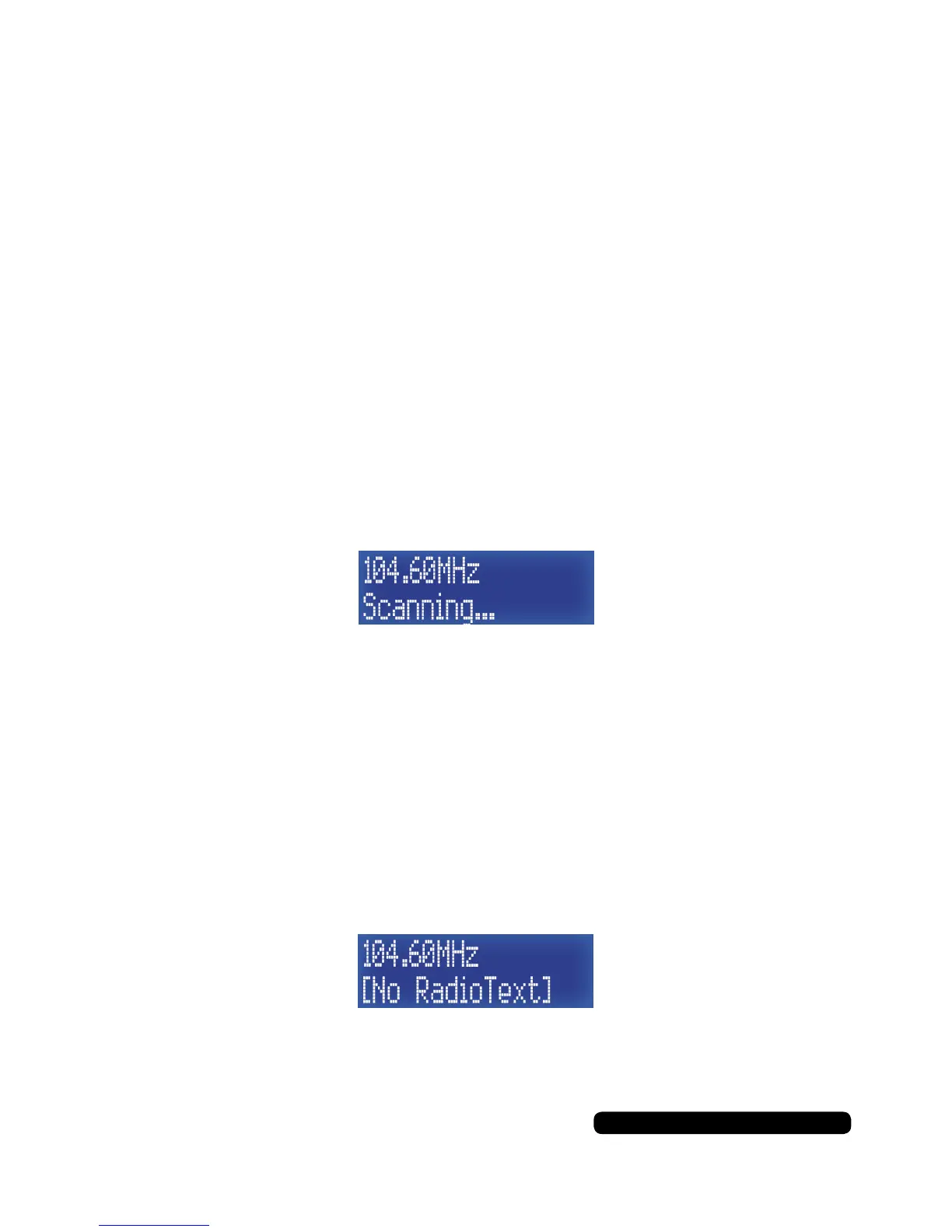
Auto Scan
Press the ‘Tune+’ or ‘Tune-’ button for 2 seconds to start the FM
auto scan in either direction along the frequency range.
The scan will stop at the next strongest signal it picks up. If the scan
continues without stopping you will need to manually tune the radio.
You can save the channel as a preset following directions on page
13, Preset Store
FM Mode
The radio, when turned on, is usually in DAB mode. To enter the FM
mode, repeatedly press the ‘Mode’ button until FM shows on the
display.
Manual Tune
Press the ‘Tune+’ or ‘Tune-’ button repeatedly to cycle through the FM
frequency range. The FM frequency tuning progresses in 0.05MHz
increments.
You can save the channel as a preset following directions on page
13, Preset Store.



 To Next Page