17
After Sales Support
UK/N.IRELAND HELPLINE N
O
:
REP.IRELAND HELPLINE N
O
:
WEBSITE:
EMAIL:
01270 508538
1800 995 036
www.quesh.co.uk
enquiries@quesh.co.uk
System
System Menu
It is possible to access the system menu through all three modes.
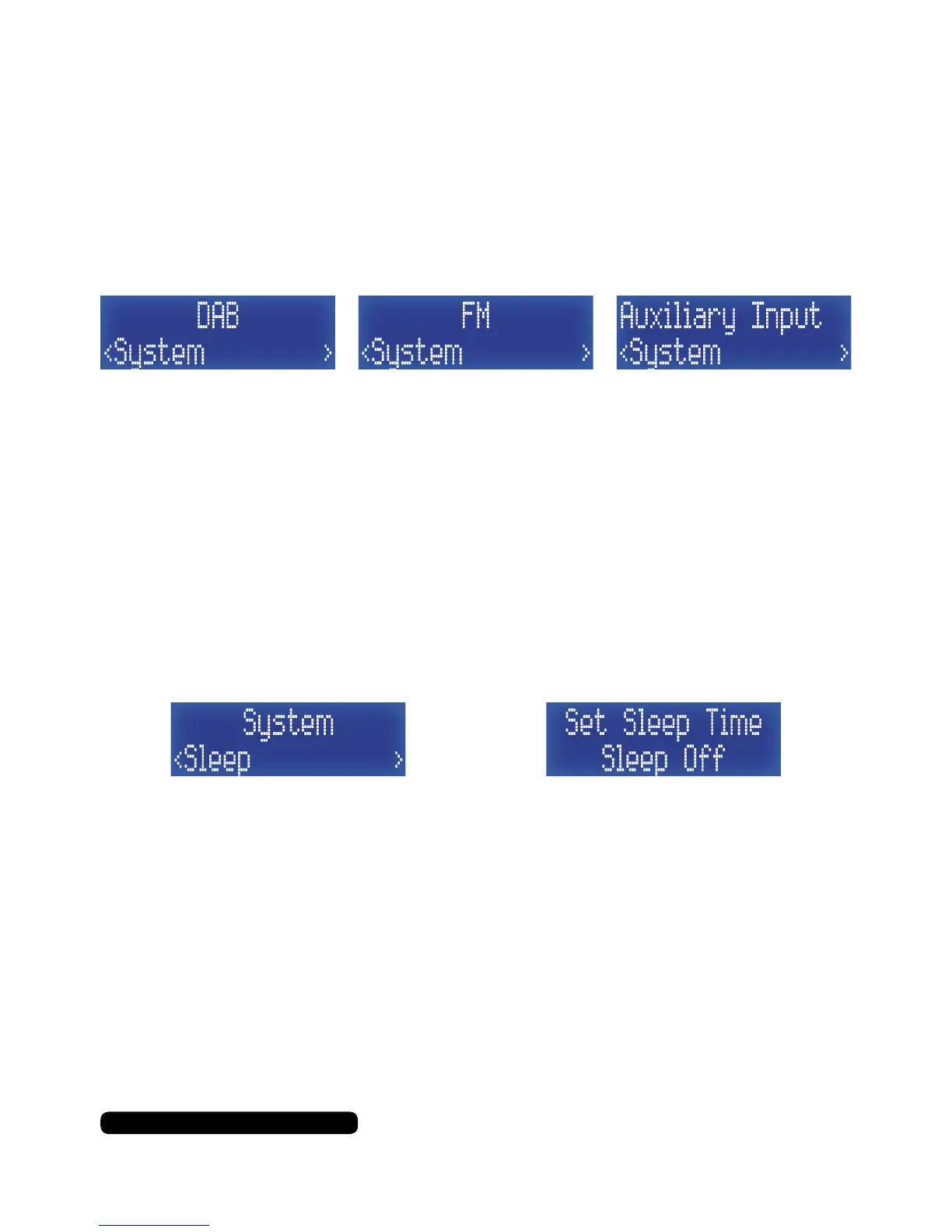
Press and hold the ‘Info/menu’ button for 2 seconds, then press the
‘Tune-’ to cycle the menu to ‘System’ and press ‘Select/Snooze’
button to access it.
Using the ‘Tune+’ or ‘Tune-’ buttons, you can cycle through the
system menu options available.
Sleep > Alarm > EQ > Time > Backlight > Language > Factory Reset > SW Version
Sleep
You can set the radio to turn itself to standby mode after a
preselected amount of time. Once in the system menu list, press the
‘Tune+’ button repeatedly until you get to ‘Sleep’ and then press the
‘Select/Snooze’ to set this feature.
Press the ‘Tune+’ button to cycle through the available options and
press ‘Select/Snooze’ to select one.
The options are:
Sleep off > 15 > 30 > 45 > 60 > 90 (minutes)
Press the ‘Info/Menu’ button to return to the radio.
Once the timer has expired, the sleep timer remains off and will
need resetting again next time you want to use this feature.



 To Next Page