15
After Sales Support
UK/N.IRELAND HELPLINE N
O
:
REP.IRELAND HELPLINE N
O
:
WEBSITE:
EMAIL:
01270 508538
1800 995 036
www.quesh.co.uk
enquiries@quesh.co.uk
FM
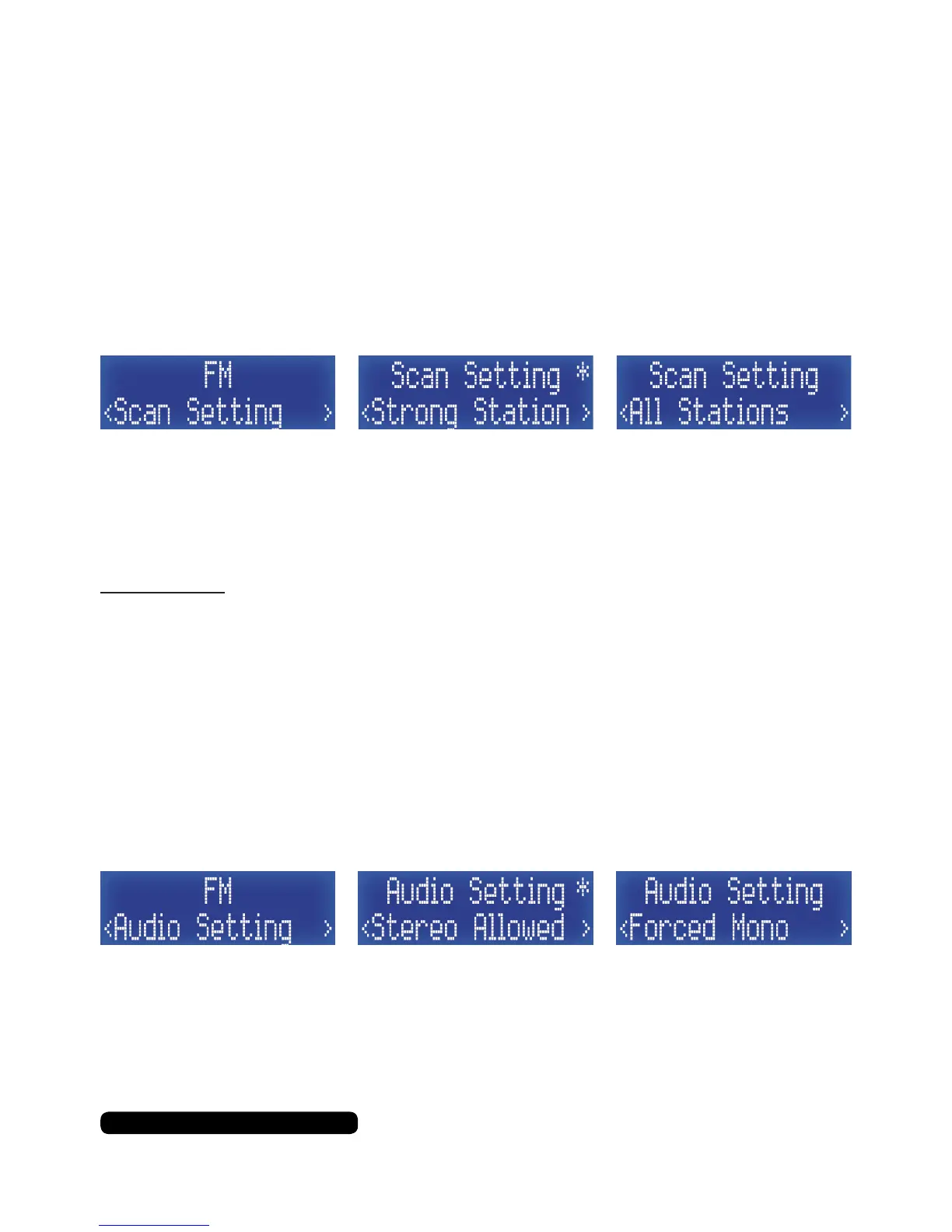
Scan Settings
Scan settings will allow you to change how the radio auto scans. As
default the scan setting is set to strong stations.
Press the ‘Info/Menu’ button for 2 seconds to enter the FM menu.
The rst option will be ‘Preset Recall’, press the ‘Tune+’ to cycle
through the menu to ‘Scan Setting’, then press the ‘Select/Snooze’
button to access this feature.
Use the ‘Tune+’ or ‘Tune-’ buttons to cycle through the two options
and then press the ‘Select/Snooze’ button to conrm. An asterisk in
the top right will indicated the current selected option.
Please Note:
For the best auto scan results, please change this option to ‘All Stations’.
Audio Settings
Audio settings will allow you to change whether the radio will play
stereo where available or keep the output on mono for all stations.
Press the ‘Info/Menu’ button for 2 seconds to enter the FM menu.
The rst option will be ‘Preset Recall’, press the ‘Tune+’ to cycle
through the menu to ‘Audio Setting’, then press the ‘Select/Snooze’
button to access this feature.
Use the ‘Tune+’ or ‘Tune-’ buttons to cycle through the two options
and then press the ‘Select/Snooze’ button to conrm. An asterisk in
the top right will indicated the current selected option.



 To Next Page