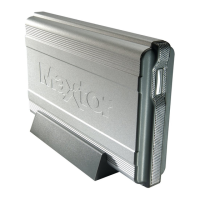
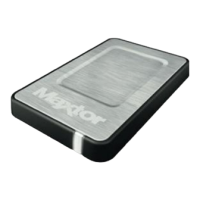
Maxtor OneTouch IV 1
Getting Started
The Maxtor OneTouch 4 drive offers these features:
• Backup & Restore to protect your data
• A customized OneTouch button to quickly open a frequently-used program
If you are a OneTouch II or III user, you also have access to features available on that drive:
• Sync to synchronize one or more folders between two or more computers
• Security settings to password-protect your drive
The Maxtor OneTouch software is loaded on your OneTouch drive. Because the software
is configured for a Windows operating system, the software must be prepared for
installation on your Macintosh.
Using the Formatting Tool
The Mac OneTouch 4 Formatting tool automatically prepares the Maxtor Manager software
for installation on your Macintosh,
To use the Mac OneTouch 4 Formatting Tool,
Step 1: Connect your OneTouch 4 drive to your computer.
A New Volume icon appears on your desktop:
Step 2: Double-click the New Volume icon.
The New Volume Finder window opens:











 To Next Page