Maxtor OneTouch IV 60
Synchronizing Folders
Sync is designed to synchronize one or more folders between two or more computers. You
can sync selected folders from one computer to your OneTouch drive and then connect the
drive to another computer to complete the sync.
Note: Sync is designed to synchronize user data. Do not select your Library, System, or
Applications folders for Sync.
You have these Sync options:
Note: Make sure all computers participating in the Sync are set to precisely the same time to
ensure that Sync works properly.
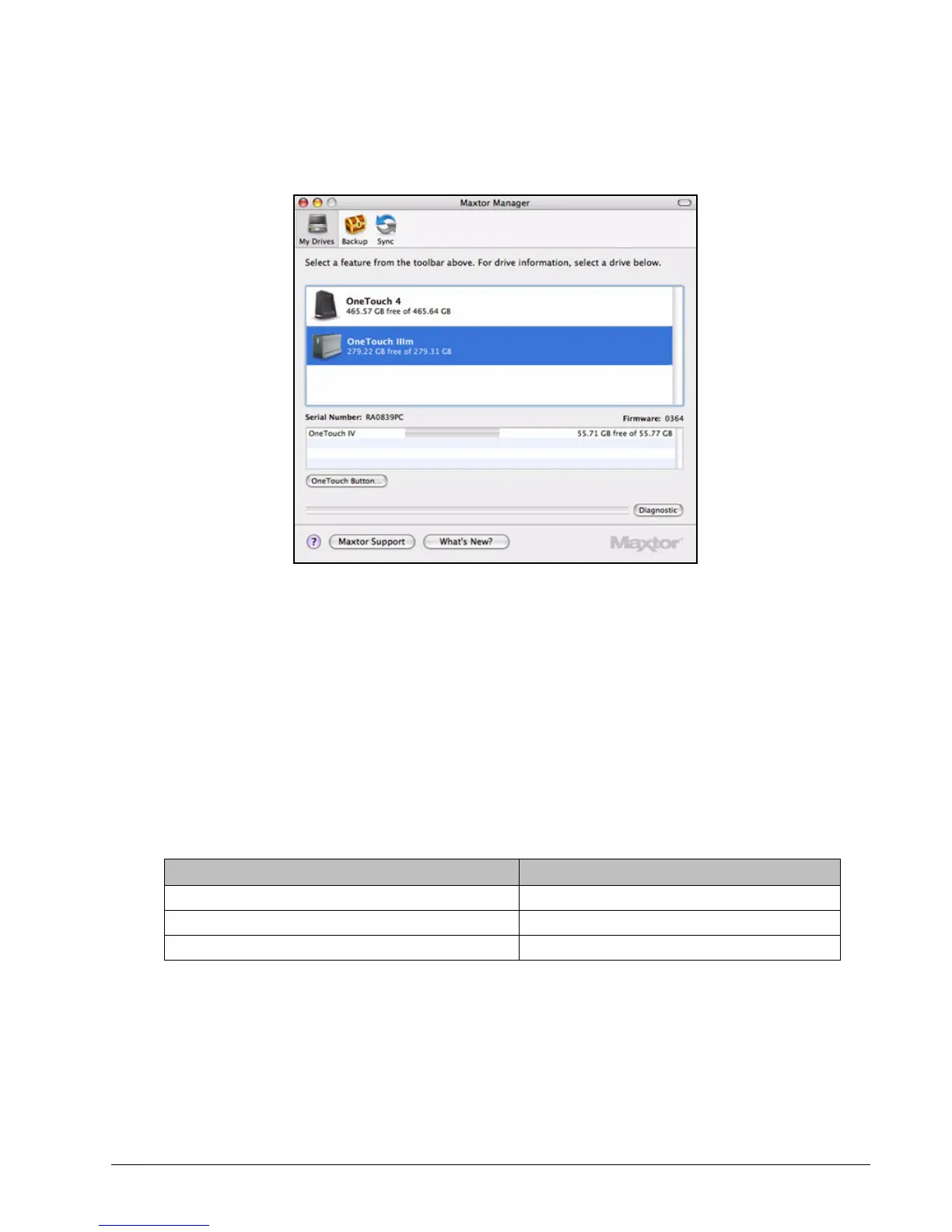
Figure 28: My Drives
Pre-configured Sync: Custom Sync:
Sync Documents, Music, Pictures, and Movies Select one or more folders to sync
Always overwrite older file versions Select automatic or manual sync
Sync automatically Set Sync and Copy & Replace Rules











 To Next Page