Maxtor OneTouch IV 68
Using Automatic Overwrite
When Automatic Overwrite is on, older file versions are always replaced with newer
versions.
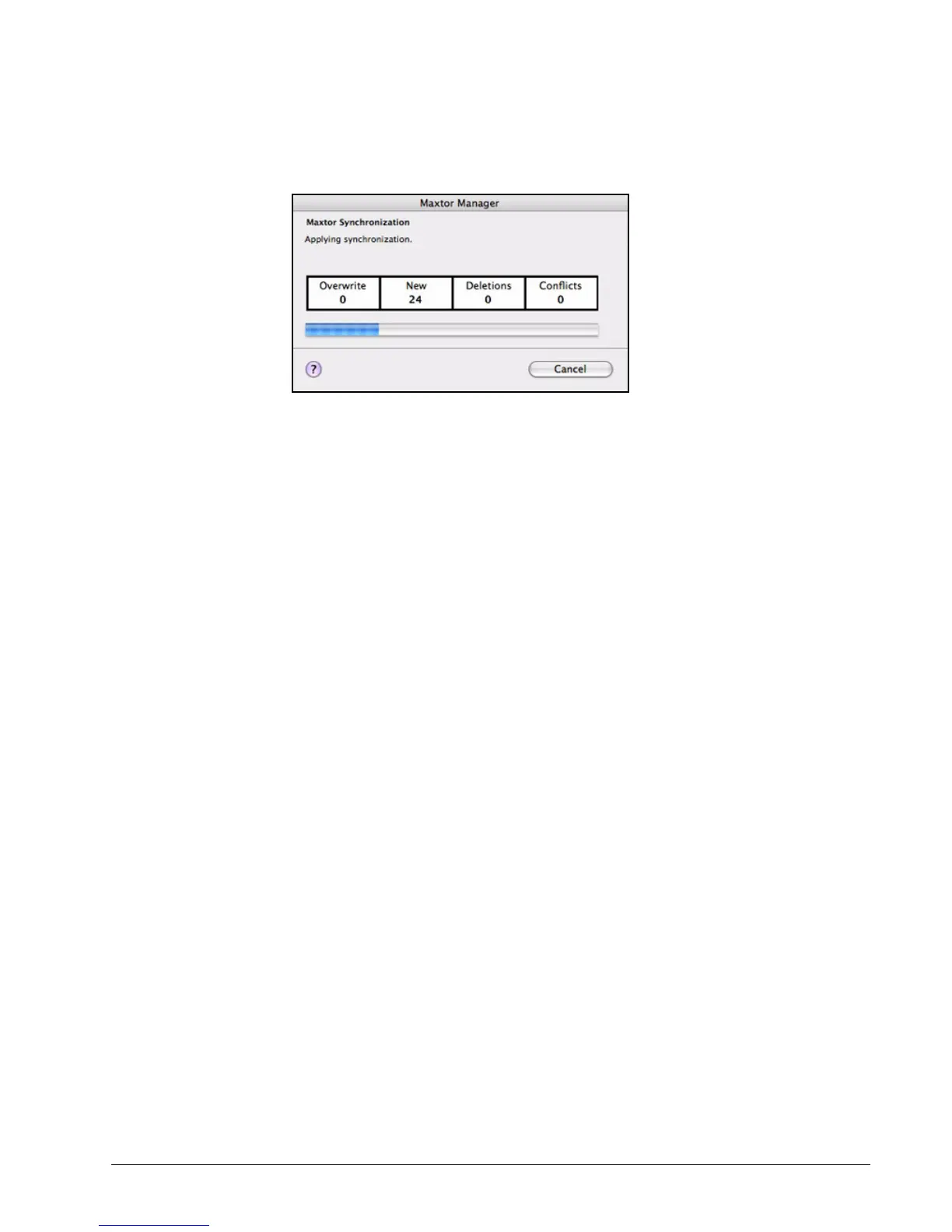
When Automatic Overwrite is off, the Maxtor Manager displays the Maxtor
Synchronization window to allow you to decide whether to overwrite an older file version
with a new version:
Using RAID
If your OneTouch III drive supports RAID, you can access this feature via the OneTouch 4
My Drives view:
Figure 38: Maxtor Synchronization in Progress











 To Next Page