Maxtor OneTouch IV 4
Preparing the Software Manually
If you don’t want to use the Formatting Tool, you must manually prepare the Maxtor
Manager software for installation on your Macintosh.
To manually prepare the software,
Step 1: Connect your OneTouch 4 drive to your computer.
A New Volume icon appears on your desktop:
Step 2: Double-click the New Volume icon.
The New Volume Finder window opens:
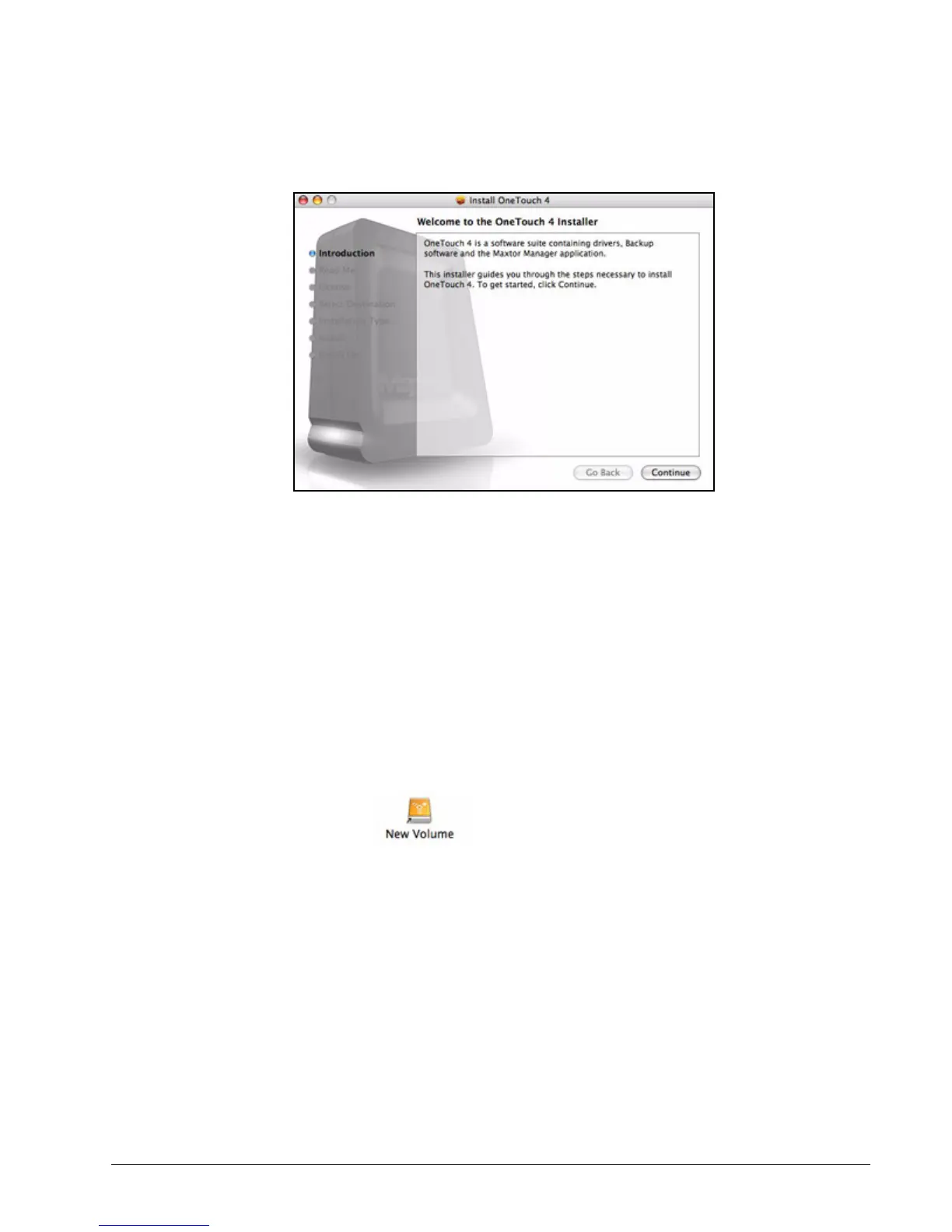
Figure 4: Welcome











 To Next Page