Maxtor OneTouch IV 42
OneTouch II and III Users
Although the OneTouch 4 software does not offer DrivePass or Sync, users who also own
OneTouch II or III drives on which those features have been available can continue to
access them on those drives.
Managing Security
Using DrivePass
DrivePass allows you to password-protect an entire OneTouch drive
Enabling DrivePass
To enable DrivePass,
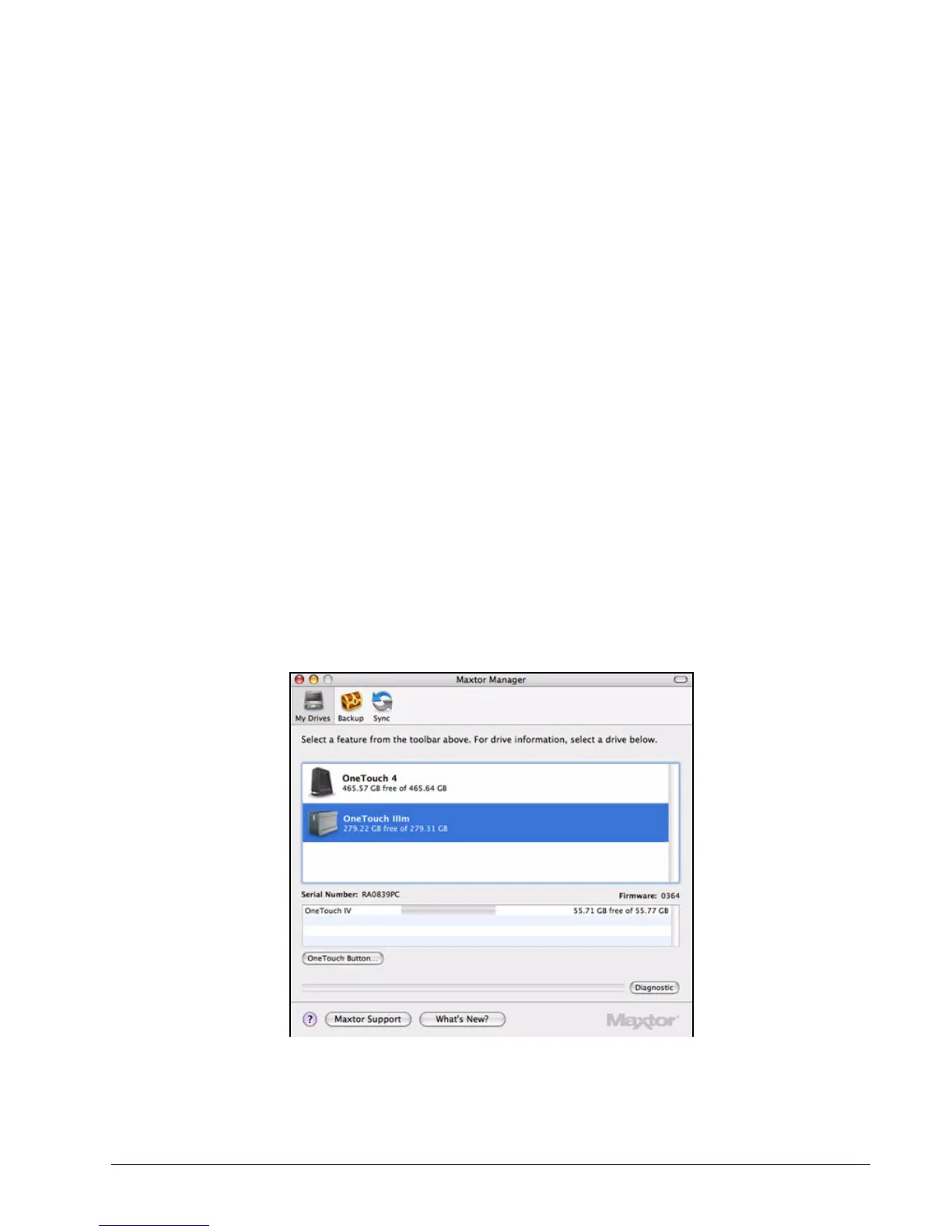
Step 1: Click My Drives in the toolbar.
The My Drives view opens:
Step 2: Select your OneTouch III drive and go to Drives > DrivePass in the menu bar:
Figure 1: My Drives











 To Next Page