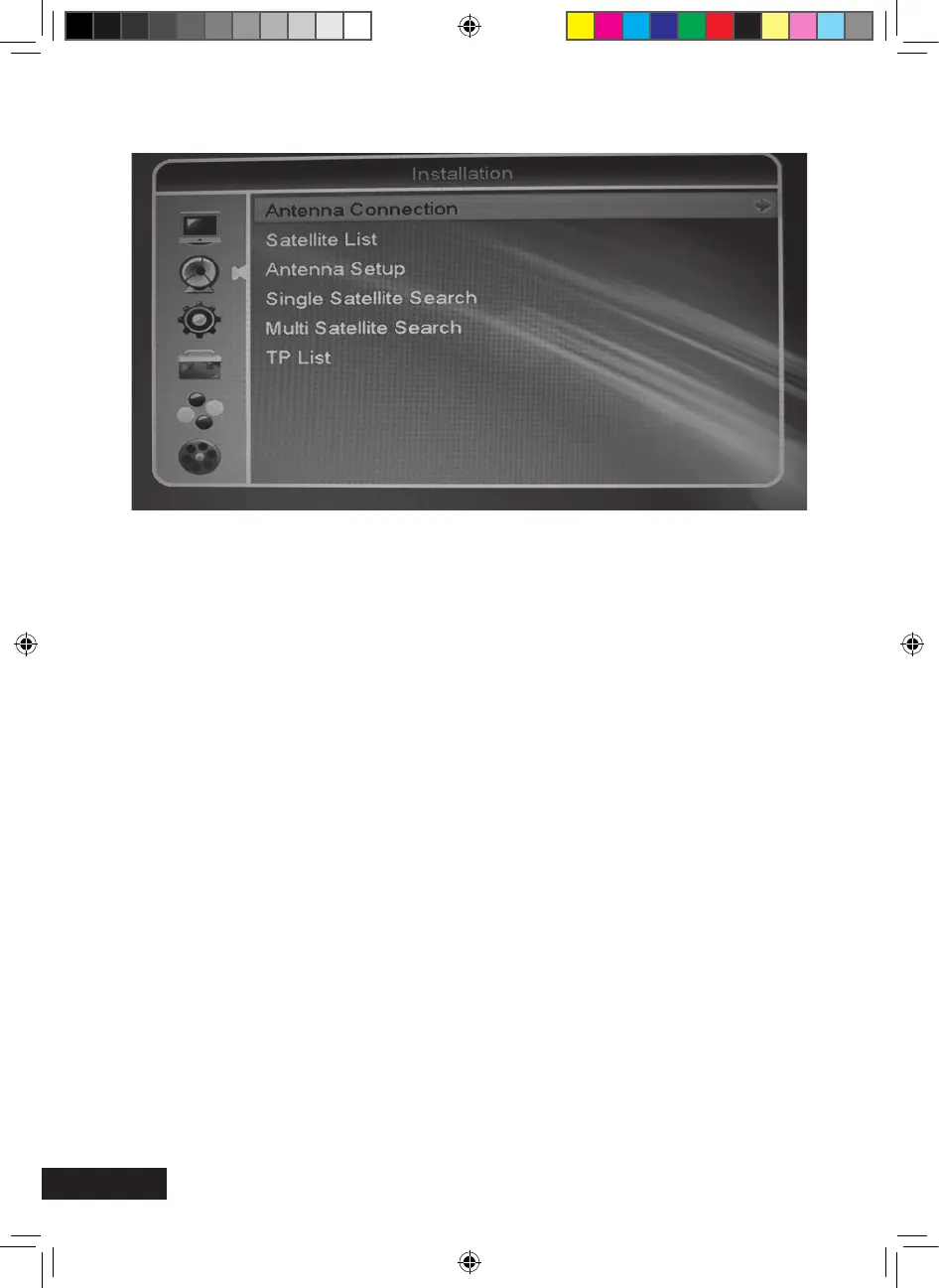
Antenna connection
Here, you can dene if you have your receiver connected to a xed antenna or motorised
antenna dish.
Satellite list
The list of all saved satellites will be displayed.
Now, you can enable or disable the desired satellites by pressing the OK key.
They will be check marked.
> Edit (red function key): Editing of the satellite name and position. Important if you
have a rotating antenna
> Add (green function key): Manual addition of a satellite.
> Delete (blue function key): Deleting of a saved satellite and its channels.
Installation (symbol: satellite antenna)
MXL020HD INSTRUCTIONS REVISION.indd 22 15/05/2013 14:12


 To Next Page