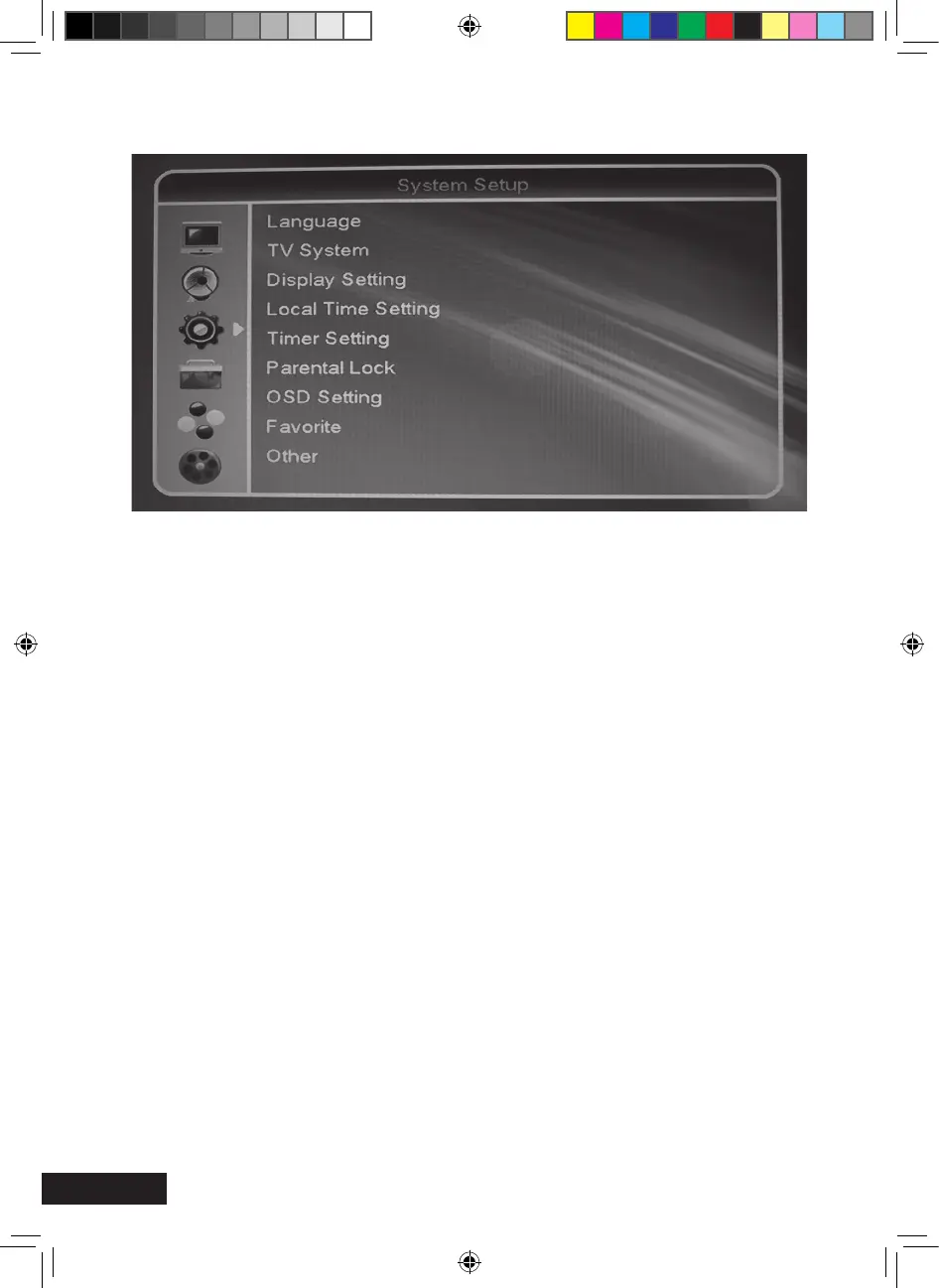
Language
> Language: Options of the OSD menu language
> First Audio: Preselection of the audio language (if offered by the broadcasting
station)
> Second Audio: Preselection of the audio language (if offered by the broadcasting
station)
> Teletext: Letter options for Teletext
TV system
Video Resolution: Selection of the maximum video resolution (default setting: 1080i_25)
HDTV quality of HD channels: from 720p
Used color scheme in the item “Video signal”:YUV
Used connection: HDMI
System Setup (symbol: gear wheel)
MXL020HD INSTRUCTIONS REVISION.indd 28 15/05/2013 14:12


 To Next Page