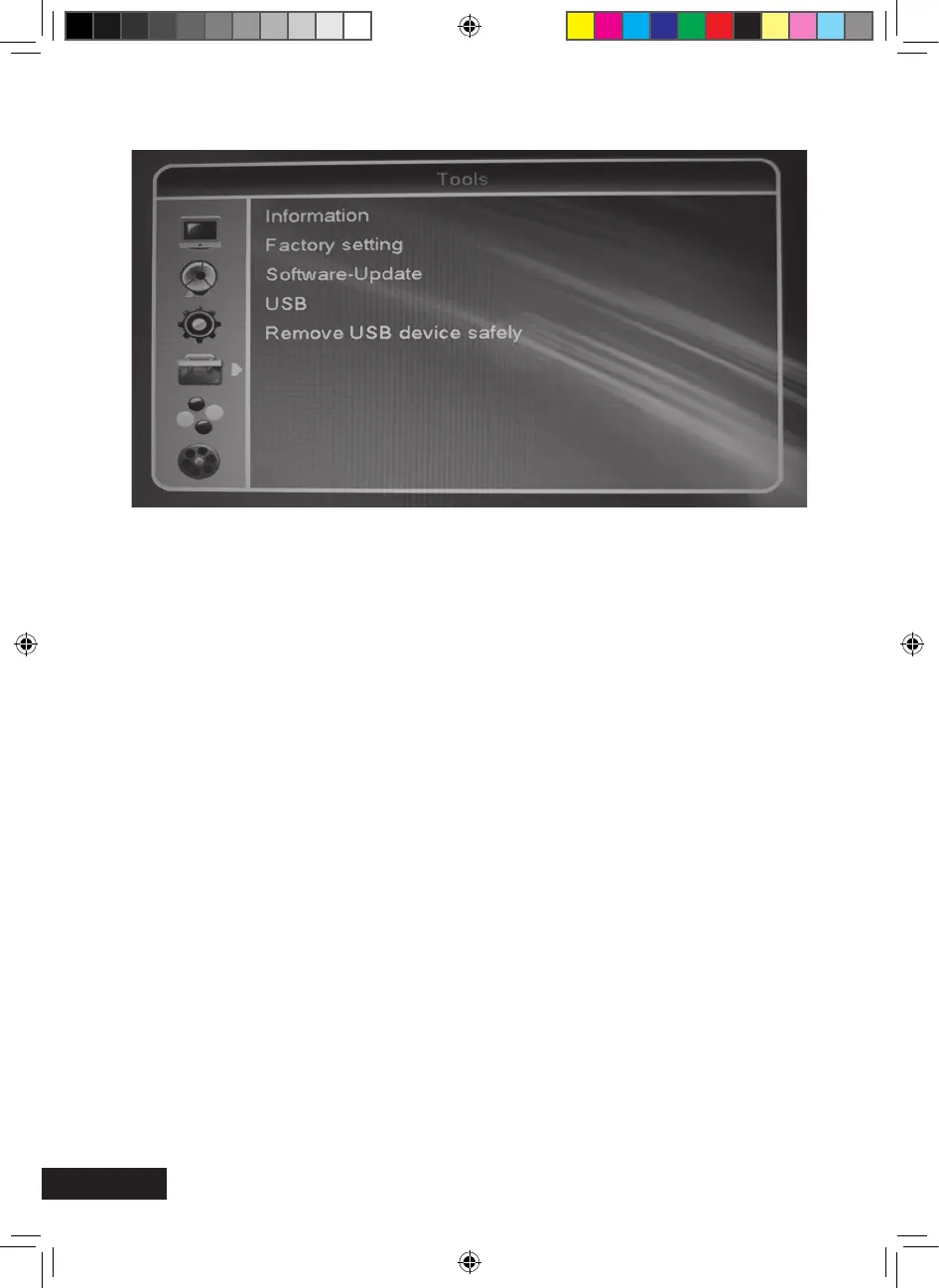
Information
Technical details. Please have these data at hand when contacting our service hotline.
Factory Setting requires input of password (PIN, factory password: 0000)
Resetting receiver to the default settings. All changes made are cancelled. In the condition
as supplied to the customer, the receiver starts in normal mode.
Hint:
The default values are restored if you keep the standby key at the front side of your
receiver pressed for more than 10 seconds.
Tools (symbol: hammer)
MXL020HD INSTRUCTIONS REVISION.indd 32 15/05/2013 14:12


 To Next Page