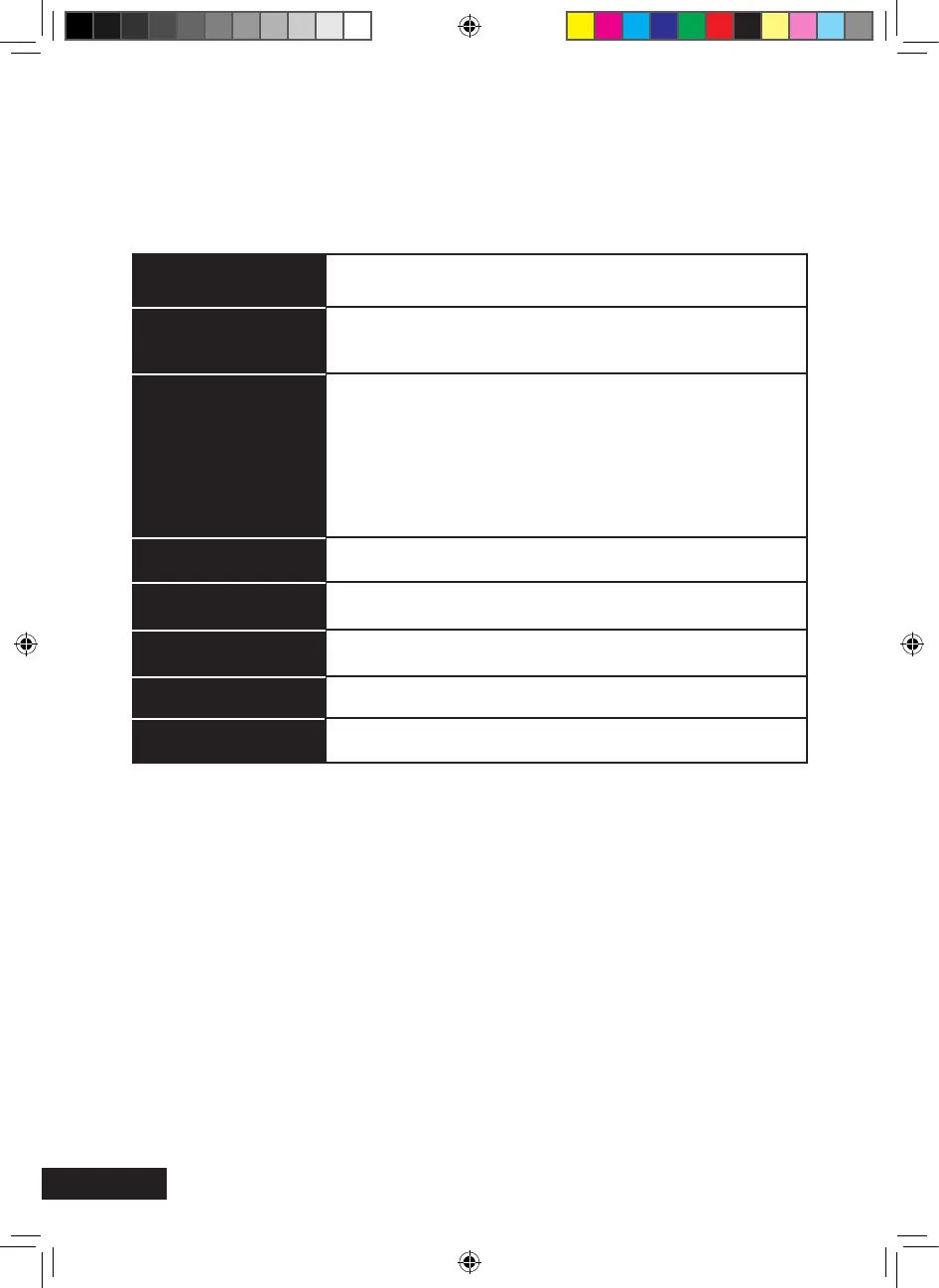
Timer setting
With the function timer, you can program the receiver to initiate a procedure, e.g.
recording, at a dened time. 8 timer default programmes are available.
Sub-menu
Timer number
Timer mode
Timer service
Wake up channel
Wake up date
On time
Duration
Standby after timer
Description
Selection of timer number 1 – 8.
Type of repetition (once, daily, off). With the setting “off”, the
timer will be disabled.
VCR: At the programmed time, the receiver switches over to
the programmed event (also in standby mode)
USB recording: If an external USB storage medium has been
connected correctly, you can program the time-controlled
recording.
Channel selection
Entry of the start date of the event
Entry of the start time of the event
Entry of the length of the event
Yes/no
Save the input by confirming the “Save” box with the OK key. Duration Standby after timer
Parent Lock (PIN, factory password: 0000)
> Menu Lock: When enabled, the most important menu items on the basic setting
of the receiver are locked.
> Channel Lock (child lock): Enable / disable to activate / deactivate the lock of the
channels locked in the menu item “Edit channel list – TV channel list/radio
channel list”.
> New Password: Selection of a new password. (Make sure you will remember the
new password)
> Confirm Password: Confirm the new password by repeating the entry.
MXL020HD INSTRUCTIONS REVISION.indd 30 15/05/2013 14:12


 To Next Page