Example: CARE AND CLEANING
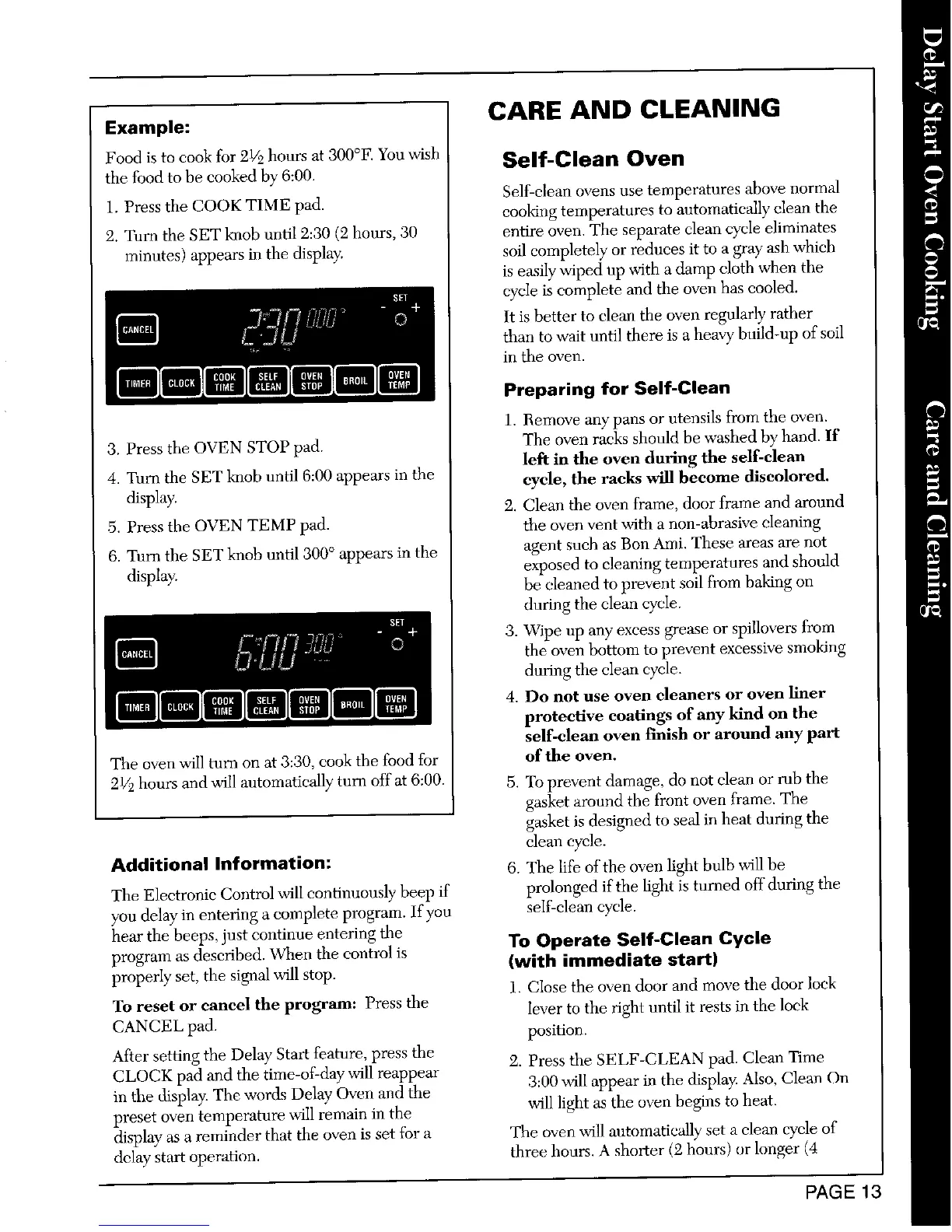
Food is to cook for 21/2hours at 300°F. You wish Self-Clean Oven
tile food to be cooked by 6:00.
Self-clean ovens use temperatures above normal
1. Press the COOK TIME pad. cooking temperatures to automatically clean the
2. Turn the SET knob until 2:30 (2 hours, 30 entire oven. The separate clean cycle eliminates
minutes) appears in the display, soil completely or reduces it to a gray ash whieh
is easily wiped up with a damp cloth when the
cycle is complete and the oven has cooled.
It is better to clean the oven regularly rather
than to wait until there is a heavy build-up of soil
in the oven.
Preparing for Self-Clean
1. Remove any pans or ntensiIs from the oven.
3. Press the OVEN STOP pad. The oven racks should be washed by hand. If
left in the oven during the self-clean
4. Turn the SET knob until 6:00 appears in the cycle, the racks will become discolored.
display. 2. Clean the oven frame, door frame and around
,5. Press the OVEN TEMP pad. the oven vent with a non-abrasive cleaning
6. Turn the SET knob until 300 ° appears in the agent such as Bon Ami. These areas are not
display, exposed to cleaning temperatures and should
be cleaned to prevent soil from baking on
during the clean cycle.
3. Wipe up any excess grease or spillovers from
the oven bottom to prevent excessive smoking
during the clean cycle.
4. Do not use oven cleaners or oven liner
protective coatings of any kind on the
self-clean oven f'mish or around any part
The oven will turn on at 3:30, cook the food for of the oven.
21/.2hours and will automatically" turn off at 6:00. 5. To prevent damage, do not clean or rub the
gasket around the front oven frame. The
gasket is designed to seal in heat during the
clean cycle.
Additional Information: 6. The life of the oven light bulb will be
The Electronic Control will continuously beep if prolonged if the light is turned off during the
you delay in entering a complete program. If you self-clean cycle.
hear the beeps, just continue entering the To Operate Self-Clean Cycle
program as described. When the control is {with immediate start)
properly set, the signal will stop.
1. Close the oven door and move the door lock
To reset or cancel the program: Press the /ever to the right until it rests in the lock
CANCEL pad. position.
After setting the Delay Start feature, press the 2. Press the SELF-CLEAN pad. Clean Time
CLOCK pad and the time-of-day will reappear 3:00 will appear in the display. Also, Clean On
in the display. The words Delay" Oven and the
preset oven temperature will remain in the will light as the oven begins to heat.
display"as a reminder that the oven is set for a The oven will antomatically set a clean cycle of
delay start operation, three hours. A shorter (2 hours) or longer (4
PAGE 13



 To Next Page