13
Skimmi Robotic Pool Skimmer | User Instructions
Dolphin Skimmi User Manual
TROUBLESHOOTING
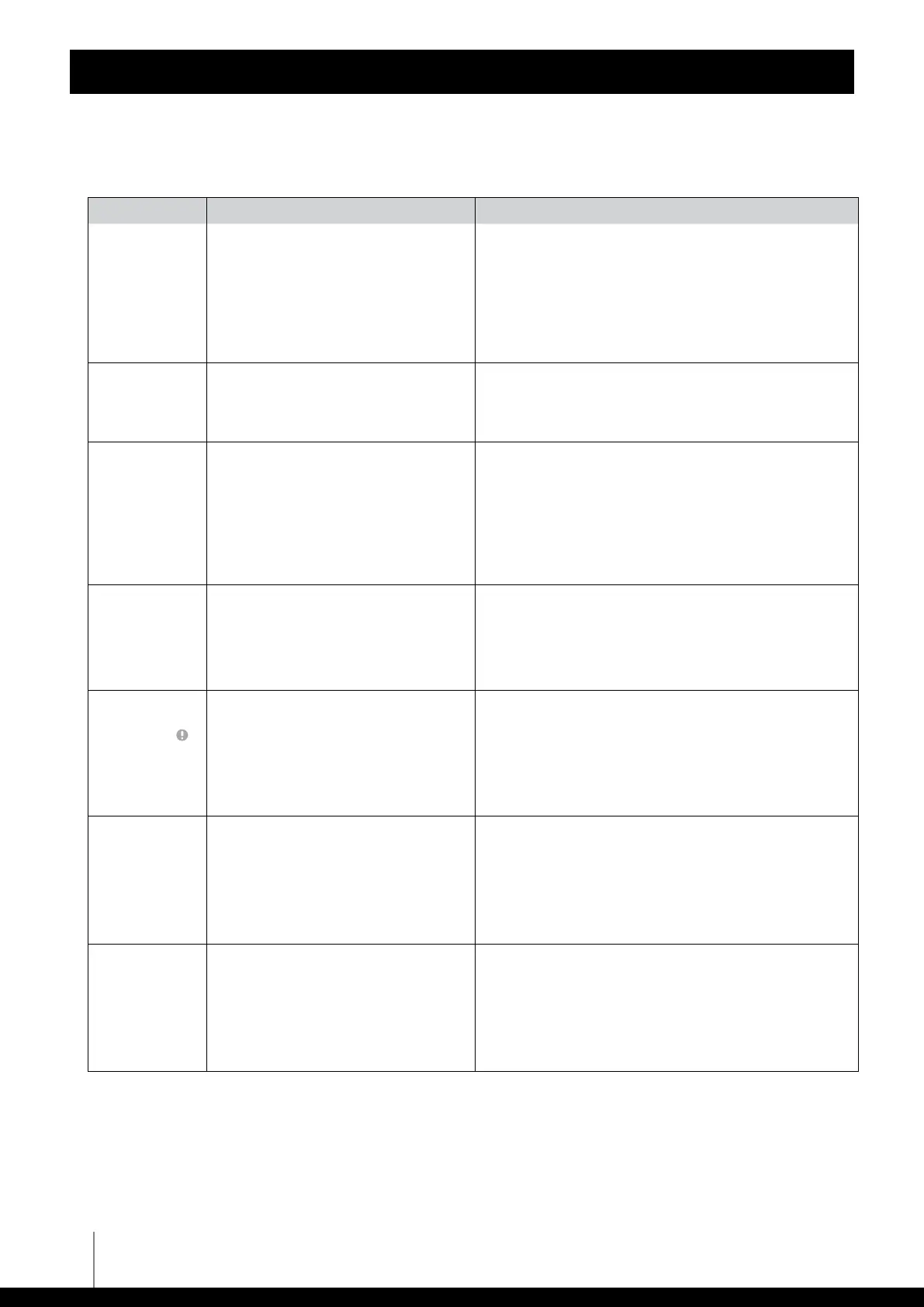
Symptom Possible reason Corrective action
Robot often
stands still, the
cleaning time has
been significantly
reduced.
• Cloudy skies, low sunny intensity for a
long time.
• Decreased battery capacity.
• Reduce the length of cleaning intervals and extend the
pauses. Turn OFF energy-intensive functions ("Debris
Washing" = OFF, "Speed" = Low, "Wheels Unblock" = Auto)
and instead turn "Smart Solar Recharge" = ON, set the "Start
Delay" to at least 1-2 hours. Keep the solar panel clean.
Empty the filter tray more often.
• Contact Customer Care to replace the battery:
wecare@maytronics.com
Robot turns only
in circles.
• Sensor covers are dirty.
• Salt in the pool is not perfectly dissolved,
the water is polluted.
• Water's gotten into the robot.
• Wipe off dirt with a damp cloth.
• Open the app and select a lower water quality in the "Smart
Detect" function or turn the function OFF.
• Contact Customer Care: wecare@maytronics.com
The robot's
movement is
chaotic, the robot
changes direction
frequently and
randomly.
• The pool surface is covered with a thick
layer of leaves which confuses the
sensors.
• Water is murky or contains many small
objects which confuses the sensors.
• Due to strong winds, waves form on the
surface and the robot sways violently.
• Filter tray is full.
• In the app turn "Smart Detect" to OFF.
• In the "Smart Detect" function, select a lower water quality
or switch the function OFF.
• Turn "Smart Detect" to OFF.
• Empty the filter tray and wash with a stream of water.
Robot does not
collect debris in
the filter tray,
it pushes small
objects in front
of it.
• Non-return flap is stuck or has been
incorrectly installed.
• Filter tray is full.
• Check if the non-return flap of the filter tray is connected
properly. See the illustration below.
• Empty the filter tray and wash it with a stream of water.
A paddle wheel
often jams when
moving. Red
alert indicator
triple-blinking
and beeping
• Hair or another object is wrapped
around the shaft, reducing the strength
of the wheel.
• Filter tray is full.
• Low strength of motors.
• Remove unwanted hair or other object.
• Empty the filter tray and rinse it.
• Open the app and set "Wheels Unblock" to "Forced" (note
that this option will increase the robot's power consumption
and thus reduce the overall cleaning time).
When moving, the
front of the robot
dives more, the
collection wheel
makes a "slapping"
sound.
• Filter tray is full.
• The robot is pulled by a strong stream of
water from the filter pump, or a strong
wind is blowing.
• The non-return flap is stuck or has been
incorrectly installed.
• Water's gotten into the robot.
• Empty the filter tray and rinse it.
• Short-term instability. This will fix itself when the abnormal
situation changes.
• Check if the non-return flap of the filter tray is connected
properly. See the illustration below.
• Contact Customer Care: wecare@maytronics.com
APP cannot find
or connect to the
robot.
• Robot is turned OFF.
• Battery is not charged.
• Large distance or obstacles between the
smartphone and the robot.
• Robot is currently connected to another
smartphone.
• Insert the filter tray.
• Place the robot in direct sunlight and let the battery
recharge.
• Move your smartphone close to the robot.
• Robot can only be connected to one smartphone at a time.
Close the app of the other smartphone.










 To Next Page