Switch Position
Wiper operation
No. Type A Type B
MIST
Operation while
pulling up lever
OFF Stop
AUTO
*1
AUTO
*1
Auto control
LO Low speed
HI High speed
*
1 When the wiper lever is switched to the
AUTO position, the indicator light turns on.
Auto-wiper control
*
When the wiper lever is in the AUTO
position, the rain sensor senses the
amount of rainfall on the windscreen
and turns the wipers on or o
automatically
(o
―intermittent―low
speed―high speed).
The sensitivity of the rain sensor can be
adjusted by turning the switch on the
wiper lever.
From the centre position (normal),
rotate the switch upward for higher
sensitivity (faster response) or rotate it
downward for less sensitivity (slower
response).
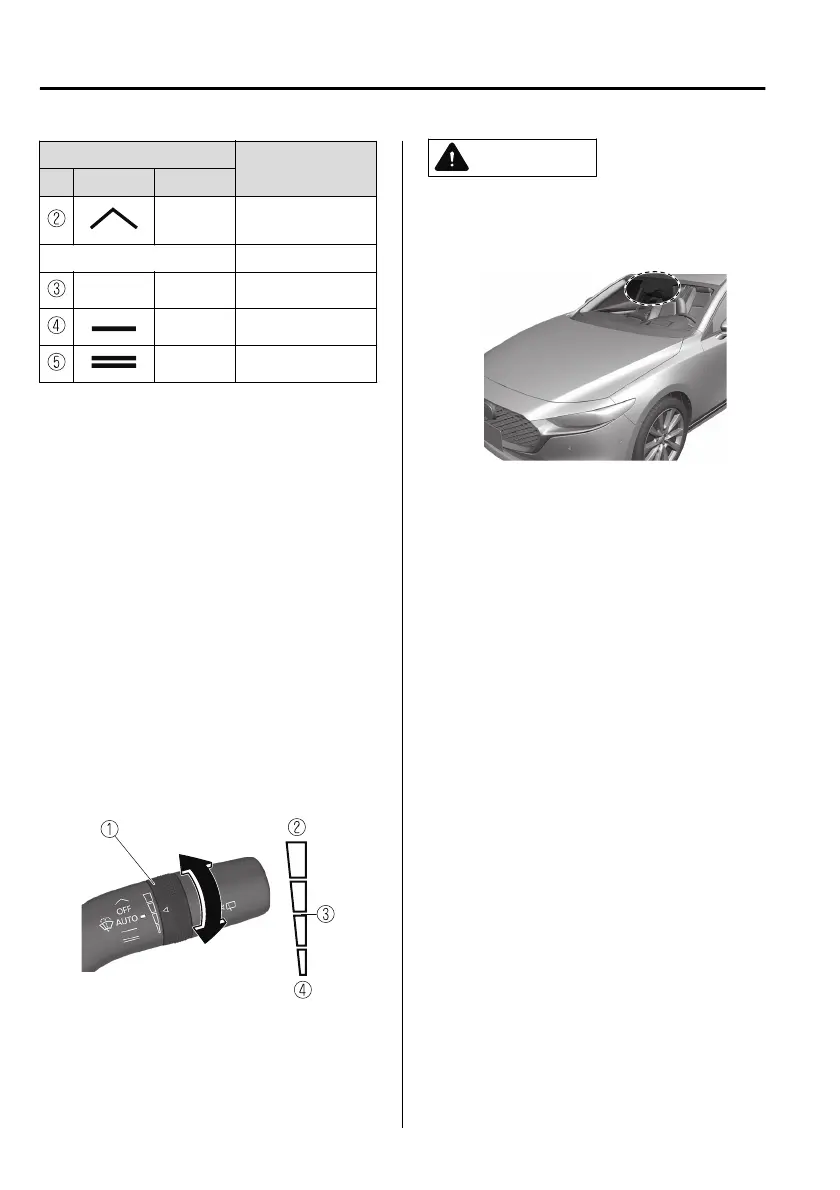
1. Switch
2. Higher sensitivity
3. Centre position
4. Less sensitivity
CAUTION
Do not shade the rain sensor by
adhering a sticker or a label on the
windscreen. Otherwise the rain
sensor will not operate correctly.
When the wiper lever is in the AUTO
position and the ignition is switched
ON, the wipers may move
automatically in the following cases:
If the windscreen above the rain
sensor is touched or wiped with a
cloth.
If the windscreen is struck with a
hand or other object from either
outside or inside the vehicle.
Keep hands and scrapers clear of the
windscreen when the wiper lever is
in the AUTO position and the
ignition is switched ON as fingers
could be pinched or the wipers and
wiper blades damaged when the
wipers activate automatically.
If you are going to clean the
windscreen, be sure the wipers are
turned o completely (when it is
most likely that the engine is left
running) this is particularly important
when clearing ice and snow.
When Driving
Switches and Controls
4-68
*Some models.
Mazda3_8HS5-EE19I_Edition1_new 2019-7-1 10:56:36



 To Next Page