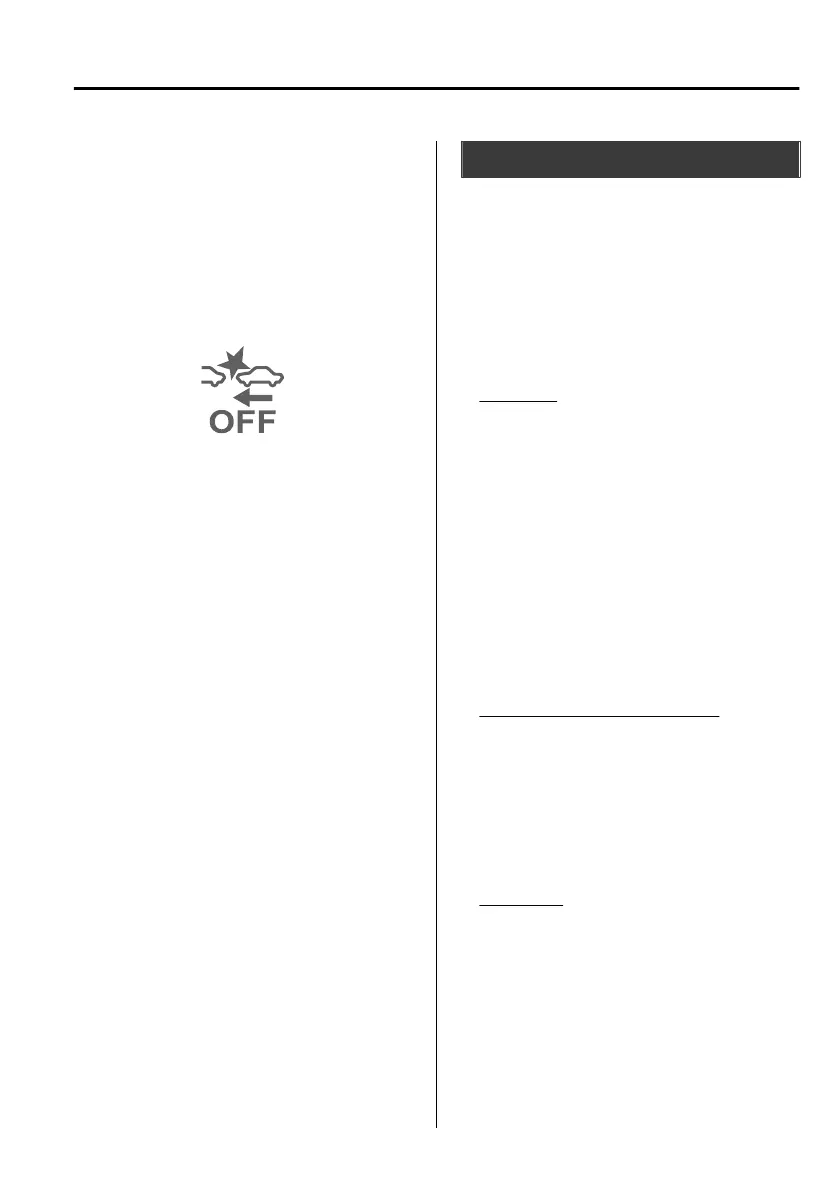
▼
Stopping the Smart Brake Support
[Rear Crossing] (SBSRC) System
Operation
The SBSRC can be changed to
inoperable.
Refer to the Settings section in the
Mazda Connect Owner's Manual.
When the
SBSRC
is cancelled, the SBS
OFF indicator light turns on.
NOTE
When the ignition is switched OFF
while the
SBSRC
is cancelled, the
SBSRC is automatically enabled the
next time the ignition is switched
ON.
When the SBSRC is cancelled, the
Smart Brake Support [Rear]
(SBSR)
is also cancelled.
360° View Monitor
*
▼
360° View Monitor
The 360°View Monitor consists of the
following functions which assist the
driver in checking the area surrounding
the vehicle using various indications in
the centre display and a warning sound
while the vehicle is being driven at low
speeds or while parking.
Top view
The top view displays an image of
the vehicle from directly above on
the centre display by combining the
images taken from the 4 cameras set
on all sides of the vehicle. The top
view displays on the right side
(left-hand drive)/left side
(right-hand drive) of the screen
when the front view or rear view
screen is being displayed. The top
view assists the driver in checking the
area surrounding the vehicle when
the vehicle is moving forward or in
reverse.
Front view/front wide view
The image from the front of the
vehicle is displayed on the centre
display.
The view from the front assists the
driver in checking the front of the
vehicle by displaying guide lines on
the displayed image taken from the
front of the vehicle.
Side view
The images taken from the front left
and right sides of the vehicle are
displayed on the centre display.
The side view assists the driver in
checking the front sides of the
vehicle by displaying guide lines on
the displayed image taken from the
front left and right sides of the
vehicle.
When Driving
i-ACTIVSENSE
*Some models.
4-197
Mazda3_8HS5-EE19I_Edition1_new 2019-7-1 10:56:36



 To Next Page