▼
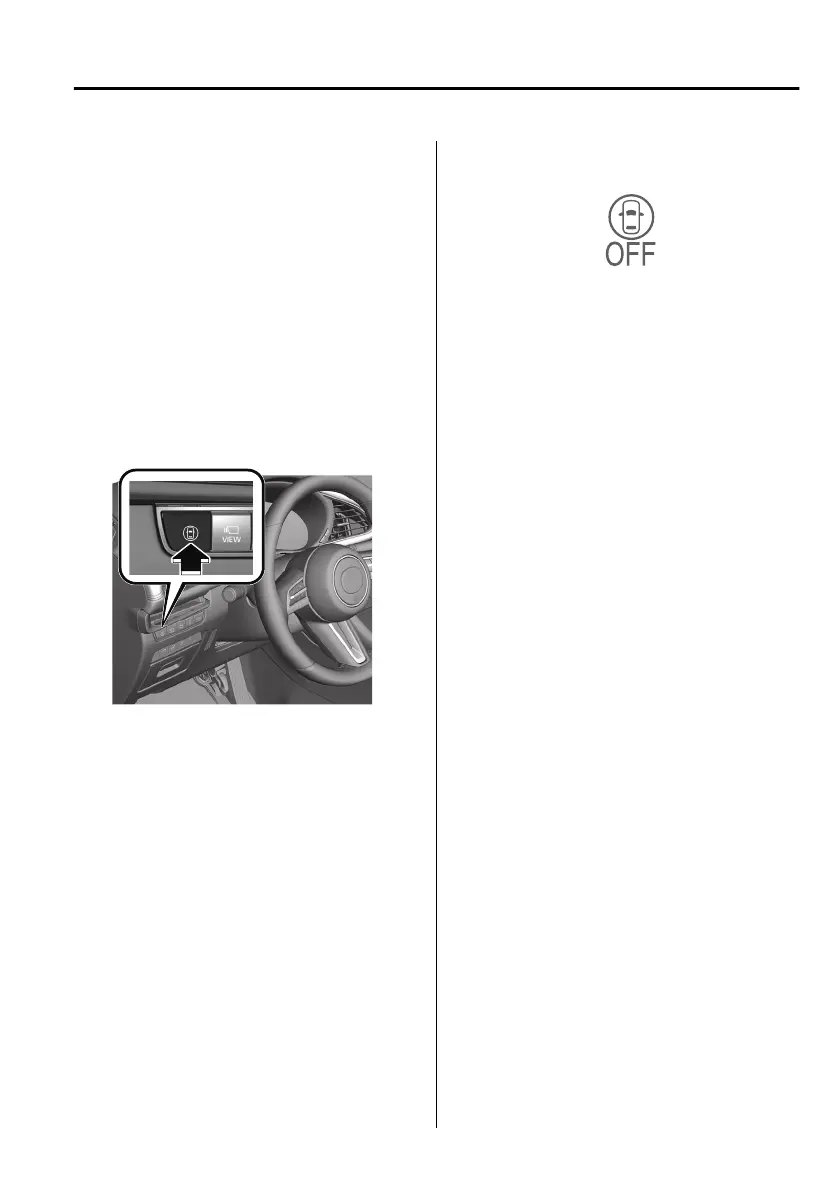
i-ACTIVSENSE Switch
When the i-ACTIVSENSE switch is
pressed, the following systems are
cancelled and the i-ACTIVSENSE OFF
symbol (Warning/risk avoidance
support system) in the instrument
cluster is displayed.
Lane Departure Warning System
(LDWS)
Blind Spot Monitoring (BSM)
Distance & Speed Alert (DSA)
Front Cross
Trac
Alert (FCTA)
Rear Cross Trac Alert (RCTA)
Lane-keep Assist System (LAS)
i-ACTIVSENSE OFF symbol (Warning/
risk avoidance support system)
If the i-ACTIVSENSE switch is pressed
again, the systems return to their
original operation status and the
i-ACTIVSENSE OFF symbol (Warning/
risk avoidance support system) turns
o.
If the ignition is switched OFF while
you have cancelled the systems using
the i-ACTIVSENSE switch, the systems
are automatically enabled the next
time the ignition is switched ON.
However, if the systems are cancelled
using the personalisation features, the
systems are not automatically enabled.
NOTE
For the systems which can be
cancelled using the i-ACTIVSENSE
switch, they cannot be cancelled
when the following systems are
operating, even if you press the
i-ACTIVSENSE switch.
Mazda Radar Cruise Control
(MRCC)
Mazda Radar Cruise Control with
Stop & Go function (MRCC with
Stop & Go function)
Cruising &
Trac
Support (CTS)
You can select systems you want to
cancel using the personalisation
features.
Refer to the Settings section in the
Mazda Connect Owner's Manual.
When Driving
i-ACTIVSENSE
4-105
Mazda3_8HS5-EE19I_Edition1_new 2019-7-1 10:56:36



 To Next Page